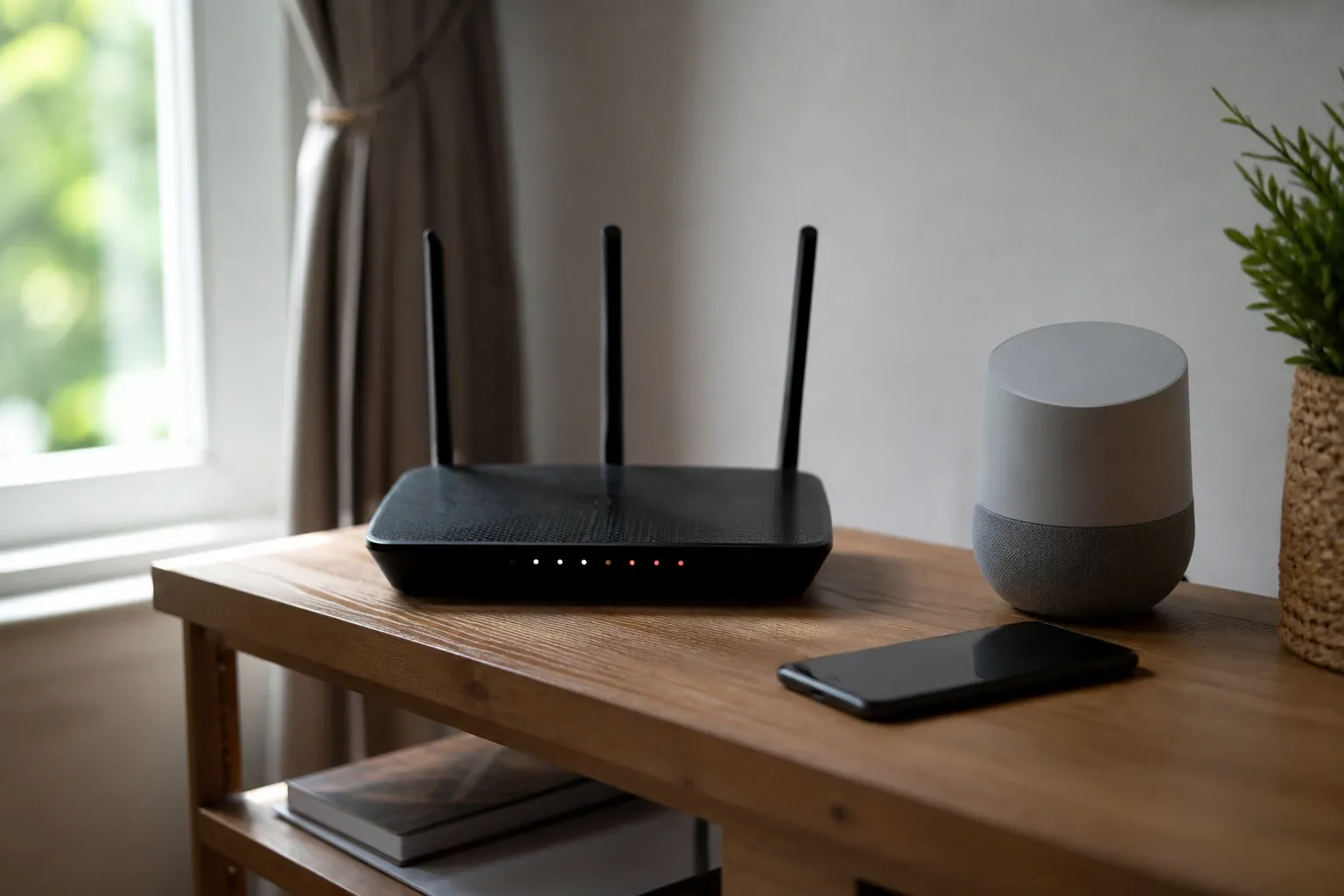
Wi-Fi and IoT passwords sit in an awkward middle ground. Unlike a service-account secret that no human ever types, a Wi-Fi pre-shared key gets entered by hand — on a phone, a smart TV remote with an on-screen keyboard, a thermostat with a four-way pad, a printer with a single rotary dial, or a guest squinting at a card taped to the router. Yet unlike a low-value web login, a weak Wi-Fi key is exposed to offline attack: anyone within radio range can capture the handshake and crack it at their leisure with no rate limiting. This guide explains how to generate keys that survive that offline attack while still being humanly typeable, built around our browser-only Password Generator.
Why Wi-Fi Keys Face a Different Threat Than Web Logins
The security of WPA2 and WPA3 personal networks rests on the WPA 4-way handshake defined in IEEE 802.11. With WPA2-Personal, an attacker who captures the four-way handshake (or, more efficiently, a single PMKID frame as described in the 2018 hashcat disclosure) can mount an entirely offline dictionary and brute-force attack against the pre-shared key. There is no server to rate-limit guesses and no lockout. The only thing standing between the attacker and your network is the entropy of the passphrase itself.
That changes the math compared to an online login. A web service can throttle to five attempts per minute, so even a modest password resists guessing. Against an offline WPA2 attack on commodity GPUs, the PBKDF2-SHA1 key derivation that 802.11i specifies (4,096 iterations) is fast enough that weak passphrases fall in hours. WPA3-Personal improves this dramatically by replacing the PSK exchange with Simultaneous Authentication of Equals (SAE, the "Dragonfly" handshake from RFC 7664), which is resistant to offline dictionary attack by design. But most networks still run mixed WPA2/WPA3 modes for compatibility, so you should assume the weaker WPA2 offline threat model when choosing entropy.
The Typeability Constraint Is Real
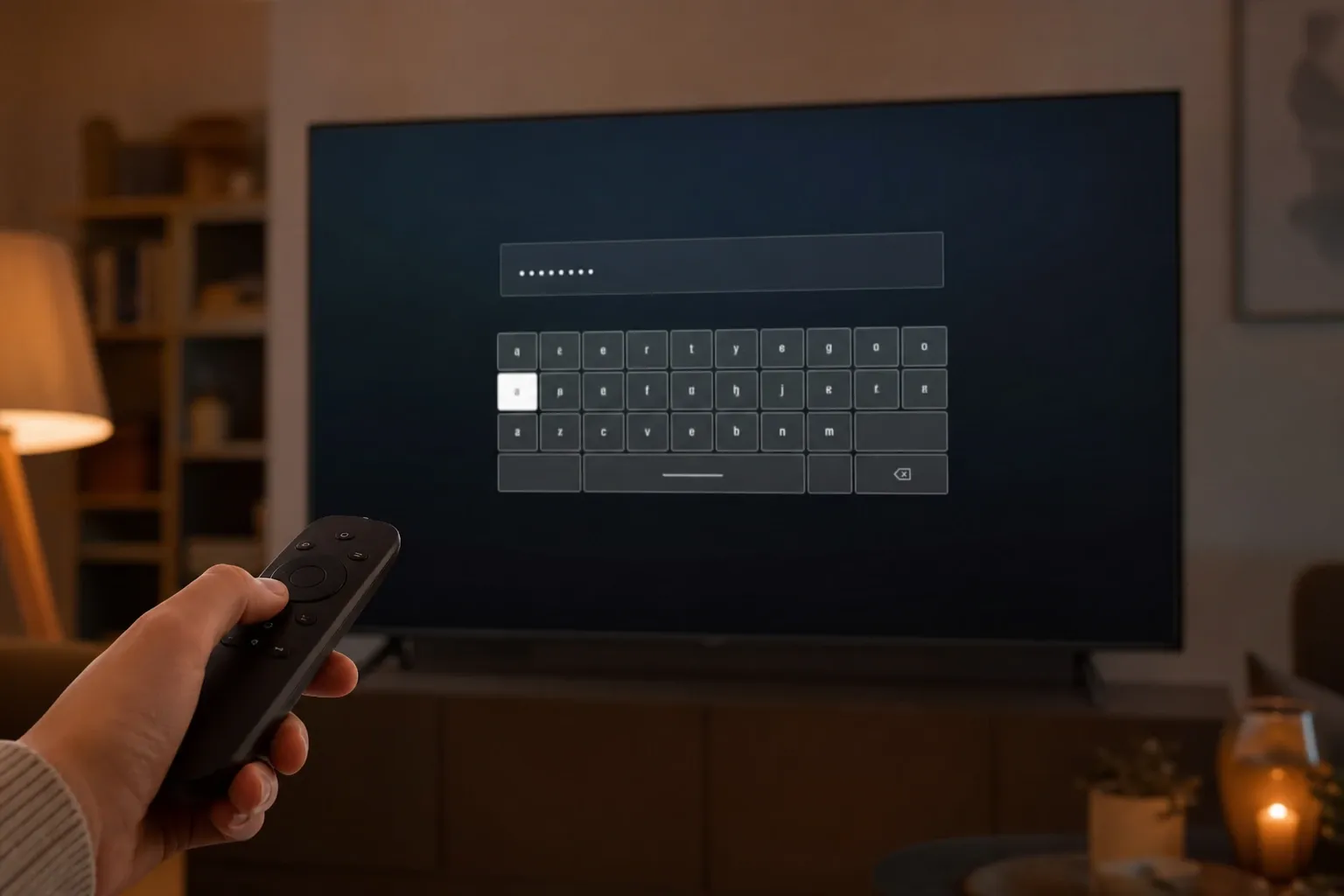
Security guidance that ignores ergonomics gets ignored in practice. A 63-character random ASCII string is the theoretical maximum for a WPA passphrase — IEEE 802.11i allows a PSK passphrase of 8 to 63 printable ASCII characters — but nobody types g7#Kq~\|{9pL correctly into a smart TV remote on the first try. When entry is painful, people pick something short and weak instead, or they paste the same key into a group chat where it leaks. The practical goal is therefore the highest entropy that remains comfortably typeable on the worst device that needs it.
Three properties make a passphrase typeable across constrained input methods:
- No ambiguous glyphs. On a low-resolution TV font or a card under bad lighting,
0/O,1/l/I, and5/Sblur together. Excluding them removes a whole class of failed connections. - Few or no shifted symbols. On-screen keyboards bury symbols behind mode switches. A passphrase that avoids
~ ` | \ { }is far faster to enter on a remote control. - Word-based structure where possible. A passphrase of unrelated words is easier to read off a card, dictate aloud to a guest, and re-type than an equal-entropy random string — at the cost of needing more characters for the same entropy.
How Much Entropy Is Enough
For a home Wi-Fi PSK facing an offline WPA2 attack, aim for at least 70 bits of entropy; 80 bits gives comfortable margin against future GPU and ASIC improvements. Two structures reach that range while staying typeable:
Random Character Keys: 14-16 Characters, Reduced Pool
A 16-character password drawn from a deliberately readable pool — uppercase, lowercase, and digits with ambiguous glyphs removed (roughly 54 distinct symbols) — yields about 16 × log2(54) ≈ 92 bits. Even trimming to 14 characters keeps you near 80 bits. In our generator, set length 16, enable the "exclude ambiguous characters" option, and either disable symbols or restrict them to a small typeable subset. This is ideal for the network's primary key, which you'll usually paste from a password manager onto phones and laptops and type by hand only occasionally.
Word Passphrases: 5-6 Words From a Large Wordlist
A diceware-style passphrase of words chosen uniformly from the EFF Long Wordlist (7,776 words, published by the Electronic Frontier Foundation) carries log2(7776) ≈ 12.9 bits per word. Five words give roughly 64 bits and six words roughly 77 bits. Joined with hyphens — marble-orbit-cactus-rinse-velvet — this is dramatically easier to read off a card and type on a TV remote than a random string of equal strength. Reserve this style for the guest network key and for keys that humans enter most often. Our character generator targets random keys; for true word passphrases use a dedicated diceware tool and verify the wordlist size so your entropy estimate is honest.
Don't Forget the Device Admin Password
The Wi-Fi PSK is only half the picture. Every router, camera, and smart-home hub also has an administrative credential, and these are the single most exploited weakness in IoT. The Mirai botnet of 2016 spread almost entirely by trying a short list of default username/password pairs (admin/admin, root/12345, and similar) against internet-exposed devices. The lesson is permanent: change every default admin password at provisioning time, before the device ever touches the network.
Admin passwords are typed rarely — usually once at setup, then occasionally from a saved entry in a password manager. That means you can and should make them maximally strong: 20+ characters, full pool, stored in your manager rather than memorized. The U.S. NIST guidelines in SP 800-63B and the UK's Product Security and Telecommunications Infrastructure (PSTI) regime both push the industry away from shared default passwords precisely because of the Mirai class of attack; the ETSI EN 303 645 baseline standard for consumer IoT security makes "no universal default passwords" its very first provision. Generate these in our tool with length 24, full symbol set, and store the result — never reuse it across devices.
A Practical Provisioning Workflow
Here is a repeatable flow for setting up a new smart-home device securely without painting yourself into a corner:
- Generate the network keys once. Open the Password Generator and create two keys: a 16-character readable key for the main SSID and a 5-6 word passphrase for the guest SSID. Both stay in your browser via
crypto.getRandomValues(). - Put IoT devices on the guest or a dedicated IoT VLAN. Most smart-home gear never needs to reach your laptop or NAS. Segmenting it limits the blast radius if one device is compromised — a direct application of the network-segmentation guidance in NIST SP 800-213 for IoT device cybersecurity.
- Change the device admin password before connecting. Generate a unique 24-character admin credential per device and store it in your password manager keyed to the device name and MAC address.
- Type the typeable key, not the maximal one. Use the word passphrase for devices with painful keyboards; reserve the dense random key for devices you provision from a phone with paste support.
- Disable WPS and UPnP if you don't need them. Wi-Fi Protected Setup's PIN method has a known offline brute-force weakness, and exposed UPnP is a common pivot. Strong passwords don't help if a side channel bypasses them.
Common Mistakes That Quietly Weaken Strong Keys
- Reusing the PSK as an admin password. If the Wi-Fi key leaks (it gets shared with every guest), the router admin panel must not share it. Generate them separately.
- Base64-encoding a key and calling it secret. Some provisioning scripts and QR-code configs embed the PSK as Base64. That is transport encoding, not protection — anyone who reads the QR or config recovers the key instantly. Our Base64 encoder is documented precisely so people stop confusing encoding with security.
- Predictable patterns. A key like
MyHouse2026!has almost no real entropy against a targeted dictionary attack even though it passes naive strength meters. Always generate, never hand-craft. - Leaving the SSID as the vendor default. Default SSIDs like
TP-LINK_A4F2let attackers precompute rainbow tables keyed to common SSIDs. Rename the network; it costs nothing and breaks precomputation.
Why Camera and Hub Firmware Changes the Calculus
IoT devices differ from laptops in one dangerous way: their firmware is rarely updated, and many ship with credentials baked into the image. Security cameras and budget smart plugs have repeatedly shipped with hard-coded or undocumented accounts that no admin password change can remove, a problem the U.S. FTC has cited in enforcement actions and that ETSI EN 303 645 provision 5.1 explicitly forbids for new devices. You cannot fix a backdoored account with a strong Wi-Fi key, which is exactly why network segmentation matters so much: put the device where, even if it is fully owned, it can only see other untrusted devices and the internet, never your file shares or work laptop.
The corollary is that password strength is necessary but not sufficient for IoT. A strong PSK keeps strangers off the radio; a strong admin password keeps casual attackers out of the management panel; segmentation contains the device if the firmware itself betrays you. Treat all three as one layered control rather than imagining any single one makes the device "safe." When you provision, write down which VLAN each device sits on alongside its admin credential so the topology stays auditable months later when you have forgotten the details.
Sharing the Key Without Leaking It
Once you have a strong, typeable guest key, share it through the network's own QR mechanism (the WIFI: URI scheme that phones scan to join) rather than pasting it into chat apps that retain history. Print the guest passphrase on a small card for the kitchen; rotate it when a houseguest you no longer trust has had it. Because you chose a word passphrase for the guest network, that rotation is painless — generate five new words and reprint the card. The main network key, which more devices depend on, can rotate far less often since it's pasted from your manager rather than transcribed.
Running the Tool
Open the Password Generator. For the main Wi-Fi key, set length 16, enable "exclude ambiguous characters," and keep symbols off or minimal — you get roughly 90 bits while staying readable on a TV card. For device admin passwords, set length 24 with the full pool and store each one uniquely. Everything is generated locally with crypto.getRandomValues(); no key ever reaches our servers, and reloading the page clears the session. Pair the generator with a password manager so the dense keys live somewhere safe and the only thing you ever type by hand is the friendly guest passphrase.