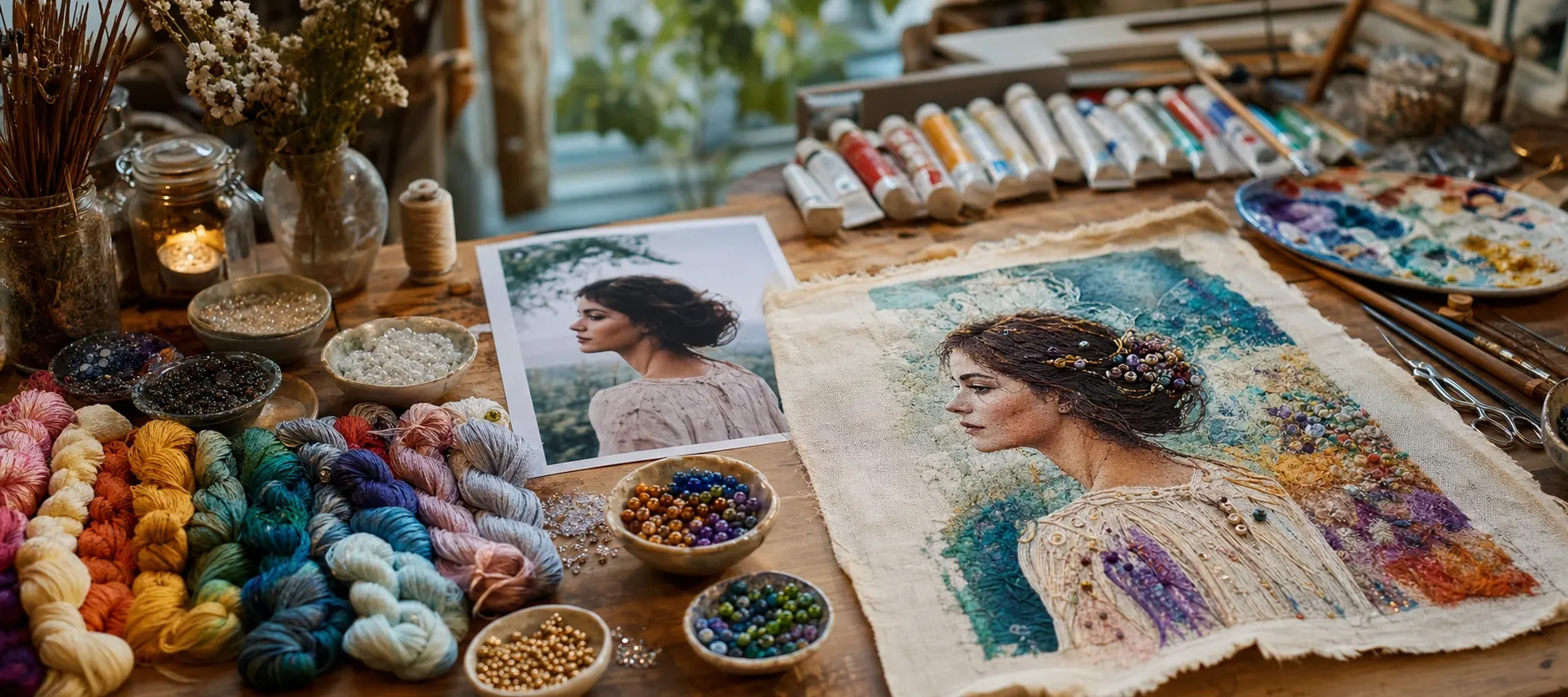
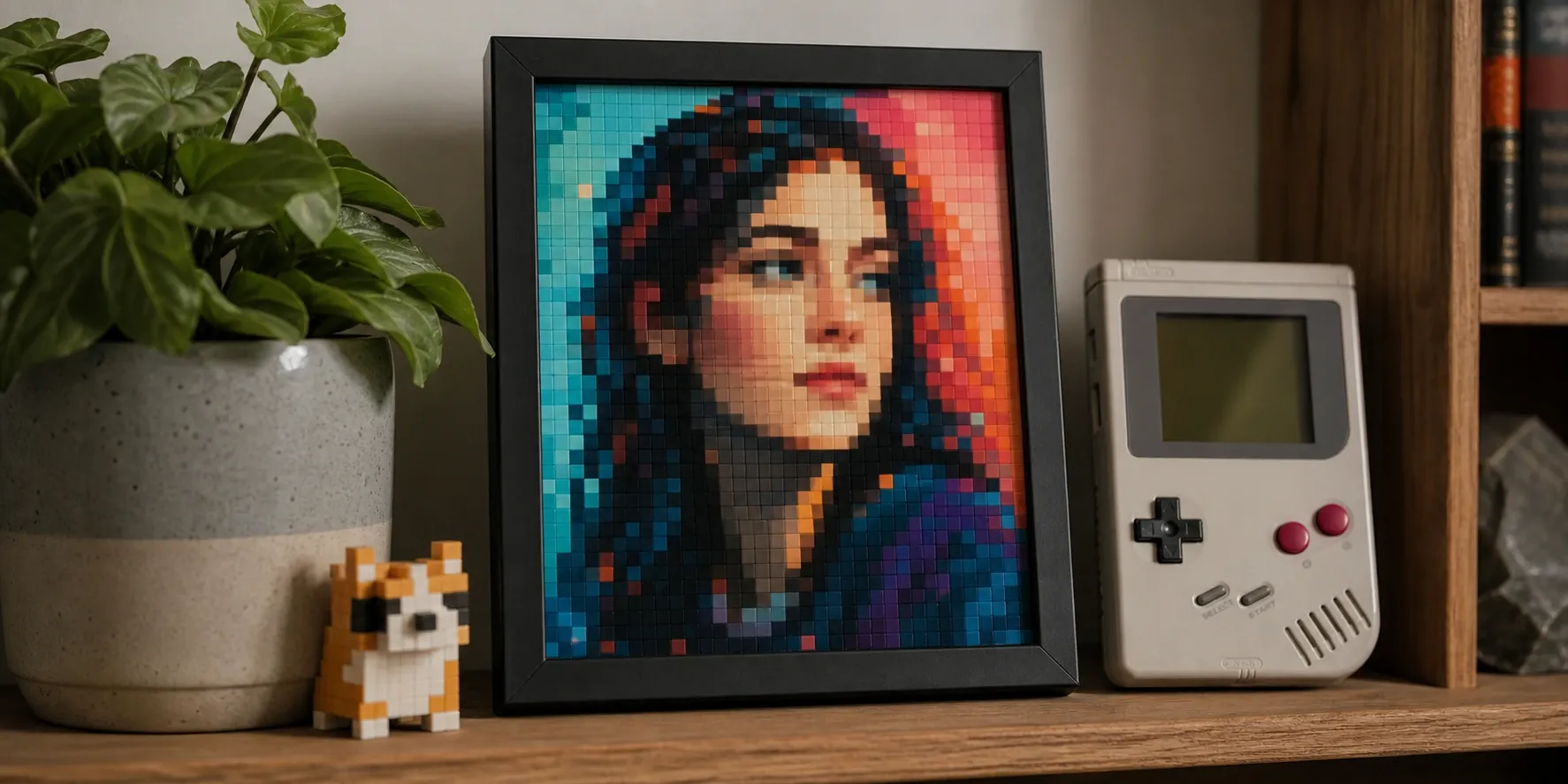
Turn any photo into pixel art in your browser: choose a grid size, an auto or retro palette (Game Boy, PICO-8, CGA), add dithering, and export a crisp PNG.
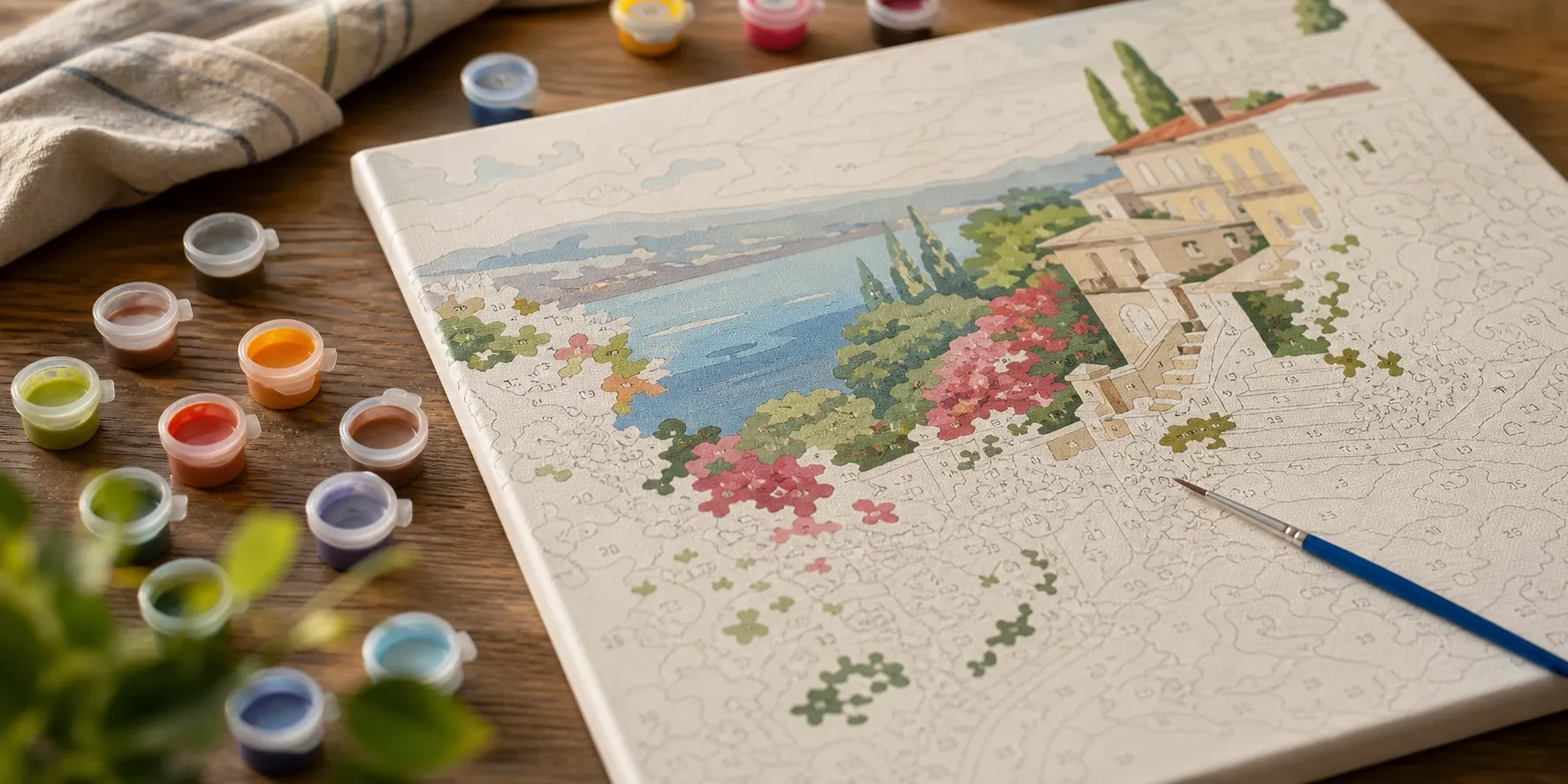
Turn any photo into a paint-by-numbers template. Segment an image into 2–255 colors with region outlines and numbers — free and private.
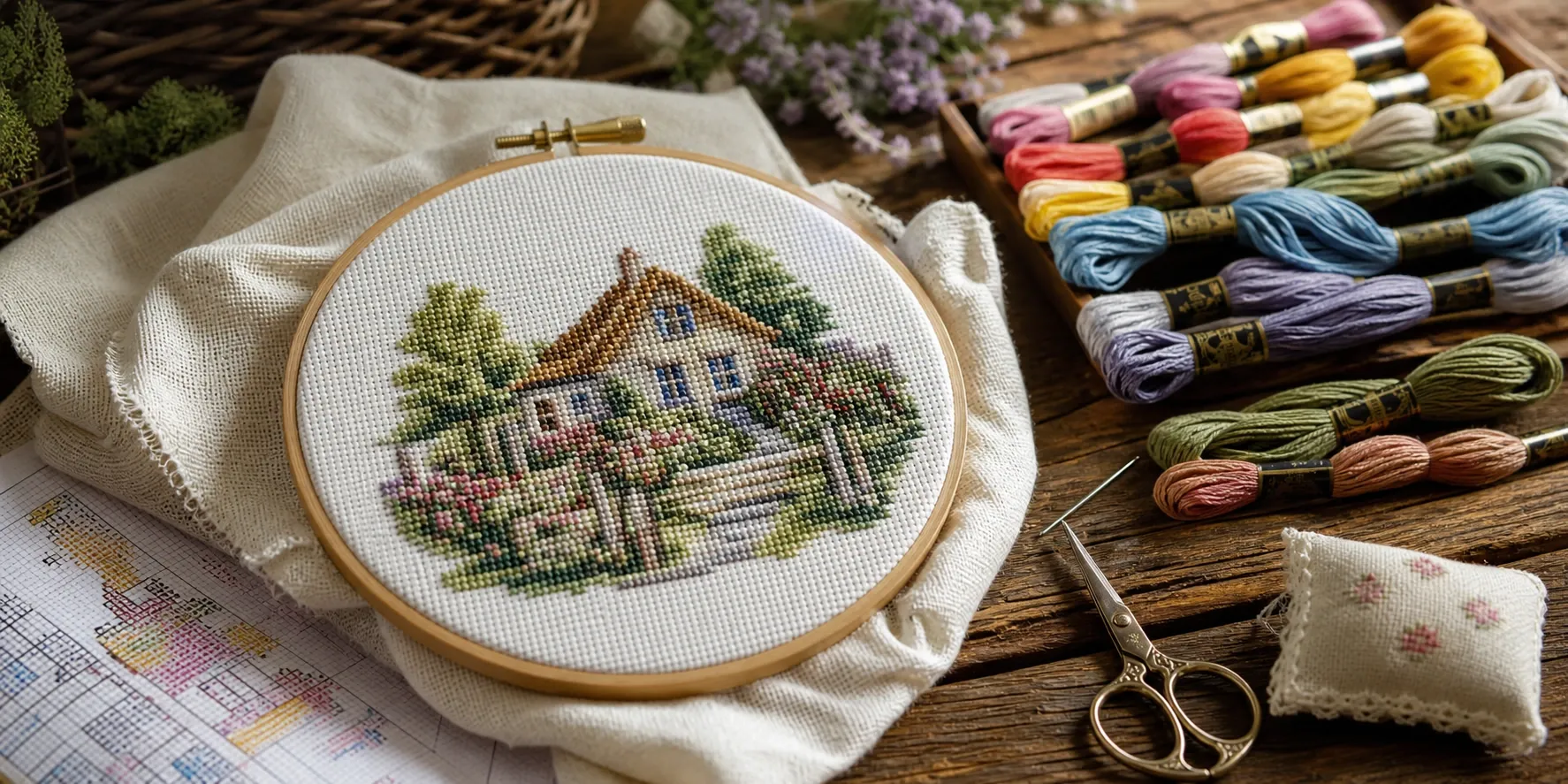
Turn a photo into a printable cross-stitch chart in your browser: pick a stitch count and thread limit for a symbol chart with a DMC floss legend.
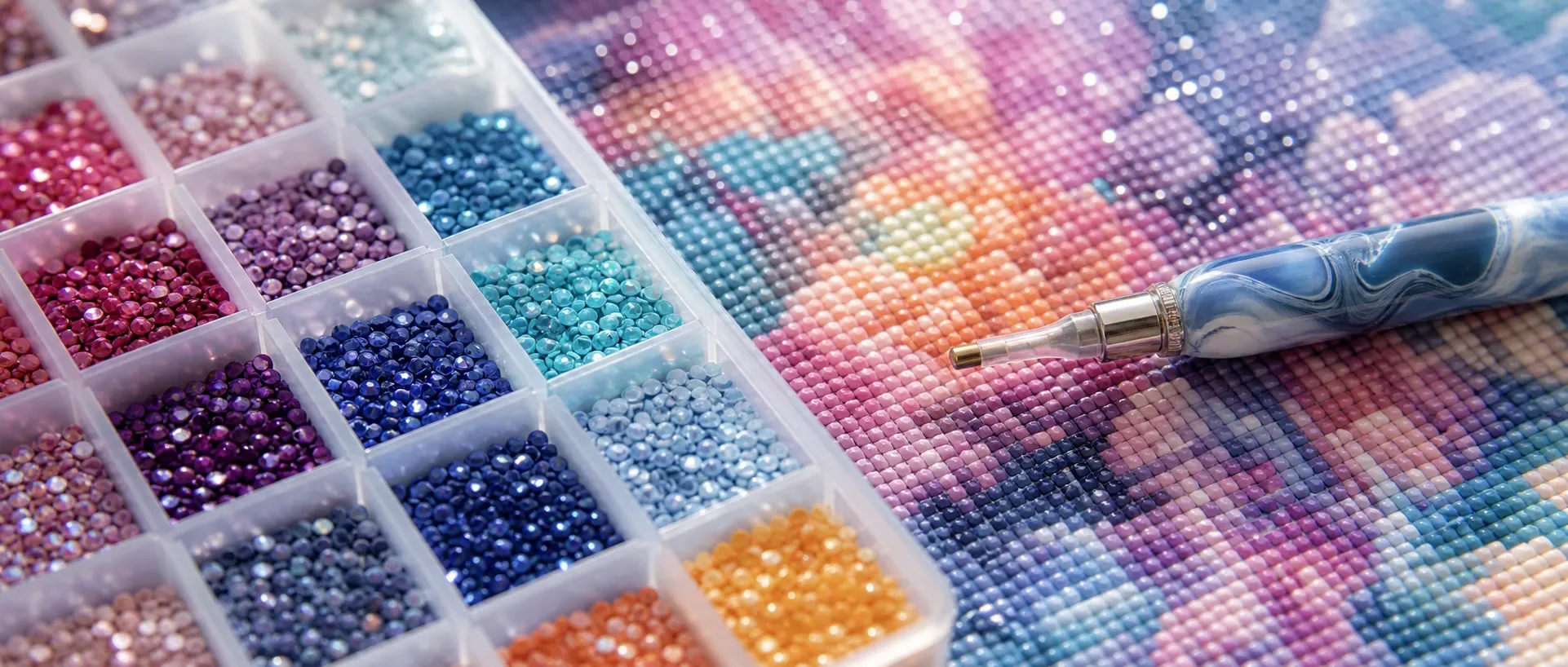
Turn a photo into a diamond painting chart in your browser: pick a drill grid and color limit for a round-drill pattern with a DMC code legend.
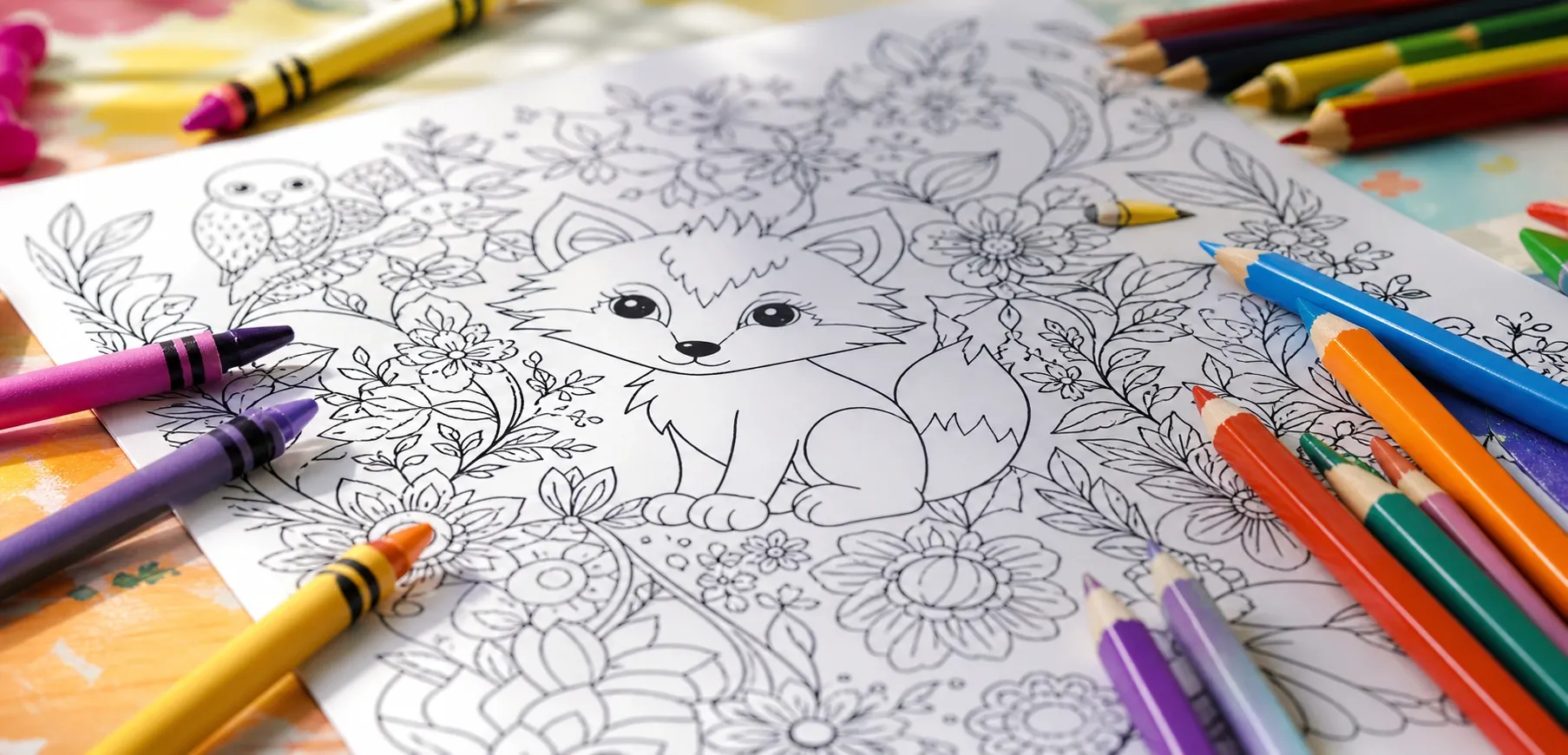
Turn a photo into a printable coloring page in your browser: adjust detail and line thickness for clean black outlines on white, ready to print.
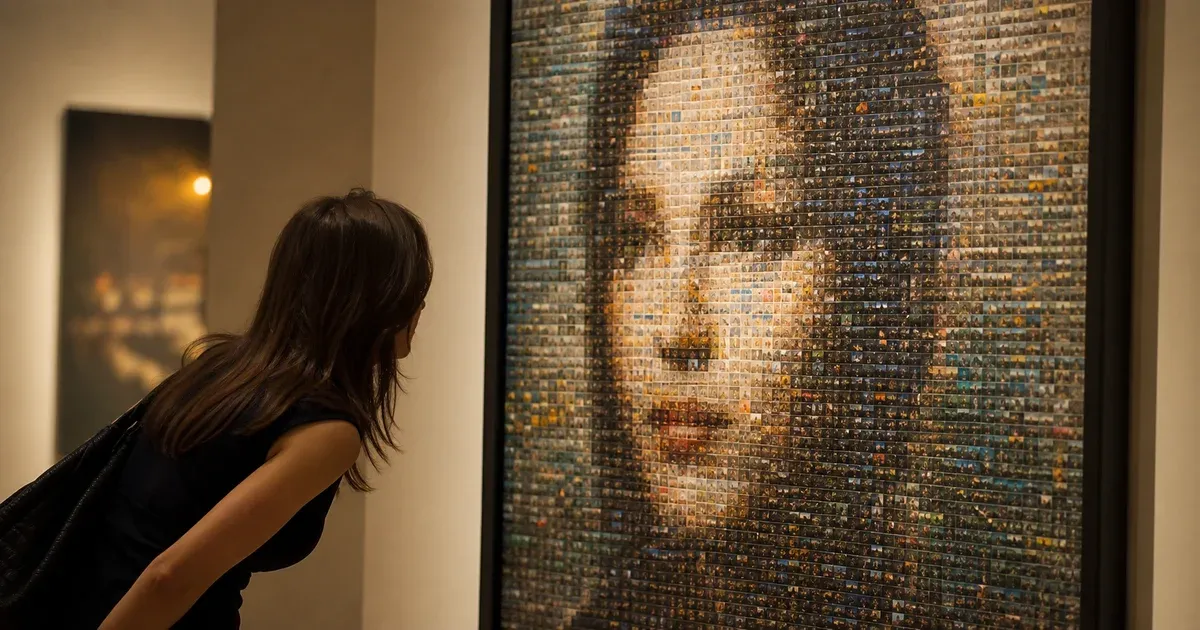
Build a photo mosaic in your browser: one big picture rebuilt from hundreds of your own smaller photos, with tint, variety and print-size export.
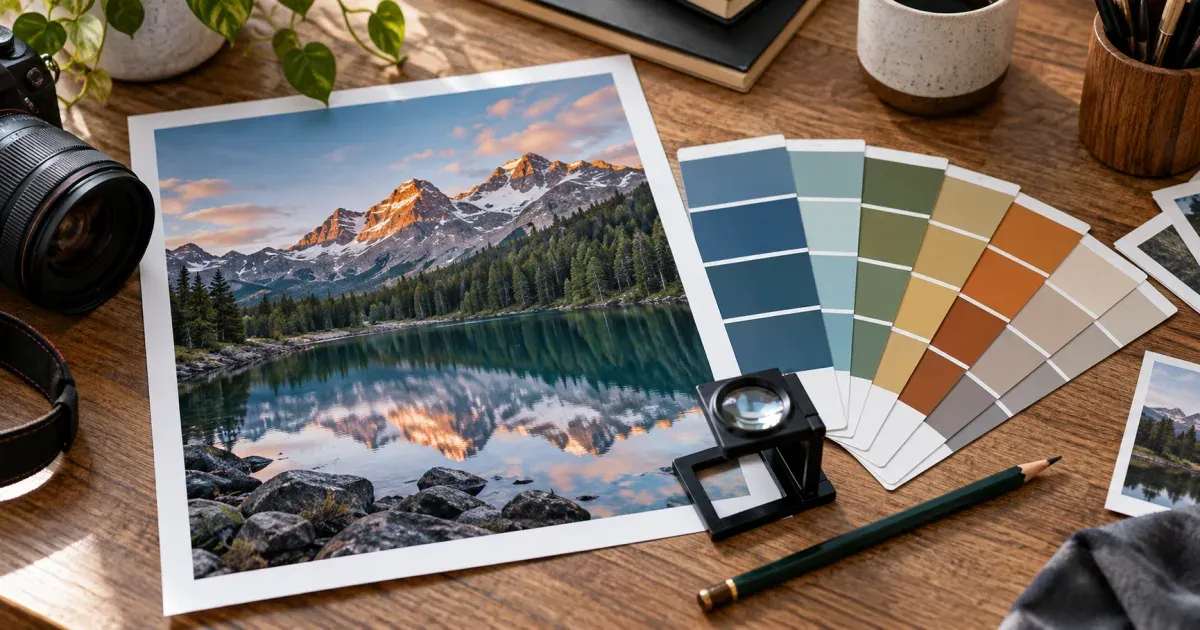
Extract colors from an image in your browser: get the dominant palette as HEX, RGB and HSL, copy CSS, Tailwind or GIMP files. Nothing is uploaded.
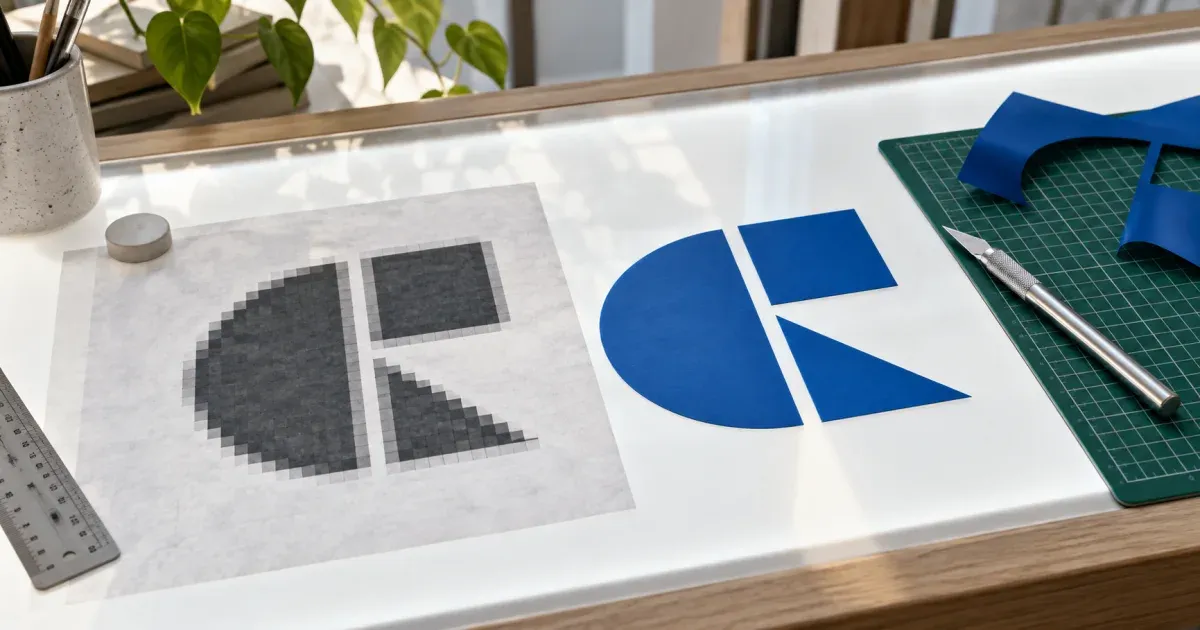
Convert PNG, JPG, WebP or GIF to a clean SVG in your browser: colour quantization, smooth Bézier tracing, transparent background, PNG export. No upload.
Why Use Photo to Art?
Frequently Asked Questions
What can these tools make from a photo?
Pixel art and retro sprites, paint-by-numbers templates, cross-stitch charts with DMC floss codes, diamond-painting drill maps, and printable black-outline coloring pages — each downloadable as SVG or PNG.
Are my photos uploaded anywhere?
No. Every tool processes your image locally with the browser's Canvas API. Your photos are never transmitted to a server, so they stay private on your device.
Do the cross-stitch and diamond painting charts use real thread colors?
Yes. Both map your image's palette to actual DMC floss/drill codes using perceptual CIELAB matching, and the legend lists each code with its stitch or drill count so you can buy supplies directly.
Can I print the results?
Yes. Charts, templates, and coloring pages export as resolution-independent SVG (and PNG), so they print crisply at any size — from a single sheet to a large poster.
Which tool should I use for a gift or keepsake?
Cross-stitch and diamond painting turn a favorite photo into a handmade piece; paint-by-numbers and coloring pages make relaxing activities; pixel art is great for avatars, stickers, and retro prints.