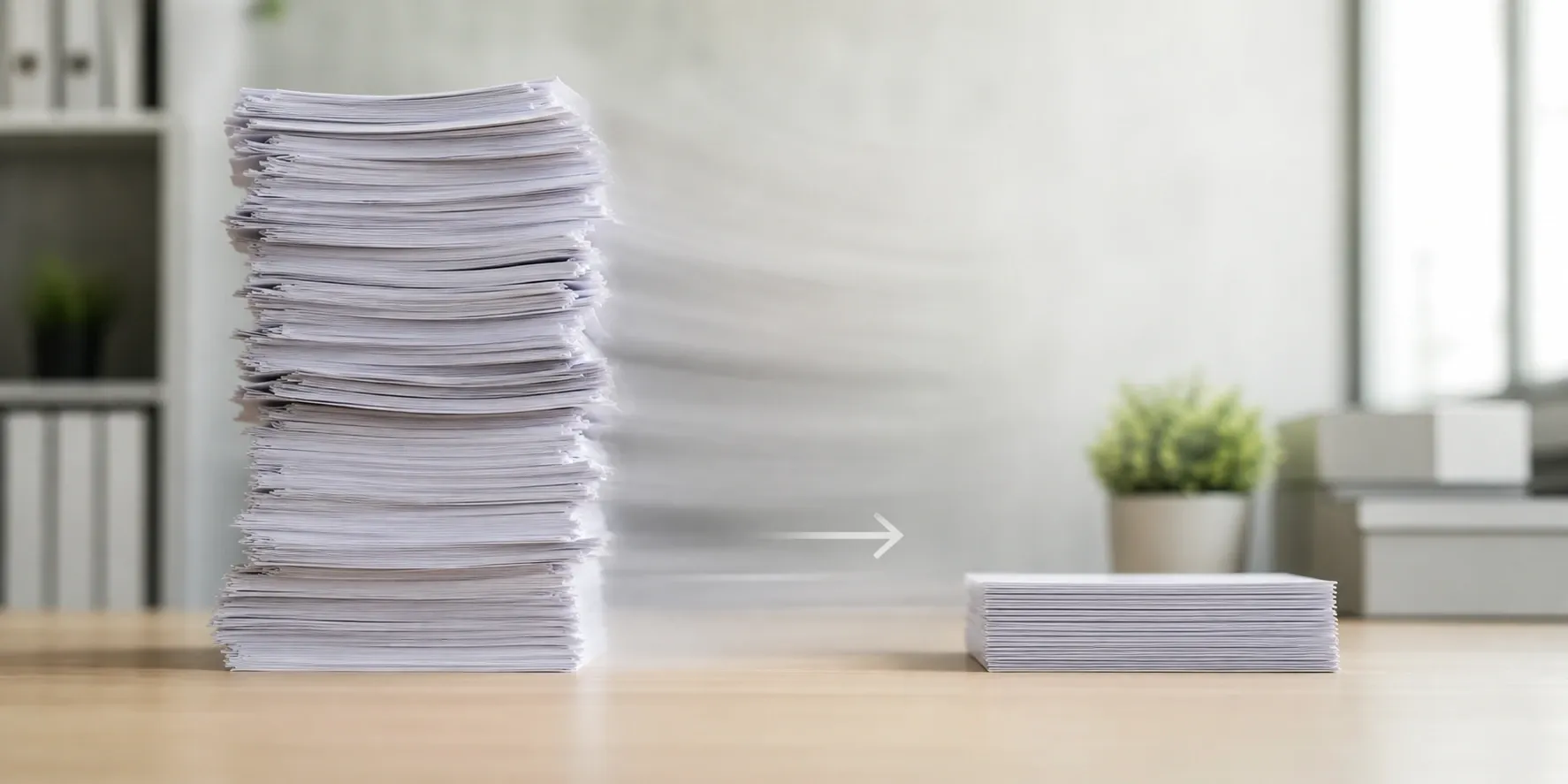
Compress PDF files online for free with screen, ebook, and printer presets to reduce file size without leaving your browser.
Browser-based PDF merger: combine multiple PDFs in your browser with no file uploads, no registration, and no watermarks. Supports page range selection.
Reorder, rotate, and interleave PDF pages in your browser: concatenate or alternate documents, fine-tune every page, no uploads.
Why Use PDF Tools?
Frequently Asked Questions
How do I compress a PDF?
Click or drag your PDF file into the upload area. Choose a quality preset — Screen (smallest), Ebook (balanced), or Print (minimal quality loss). Then click Compress and download your reduced file.
Are my PDF files uploaded to a server?
No. All PDF compression runs in your browser using PDF-LIB and compression libraries. Your documents are never transmitted to any external server.
What compression presets are available?
Three presets are available: Screen (aggressive compression, ideal for digital viewing), Ebook (moderate compression for e-readers and email), and Print (light compression that preserves print quality).
Will compression affect text readability?
No. Text in PDFs is stored as vectors and is never degraded by compression. Only embedded images within the PDF are downsampled depending on the preset you choose.
Is there a PDF file size limit?
There is no server-side size limit. Browser memory limits apply — most devices handle PDFs up to 100 MB without issues. Very large PDFs with many high-resolution images may take longer to process.