From a photograph to a grid of stitches
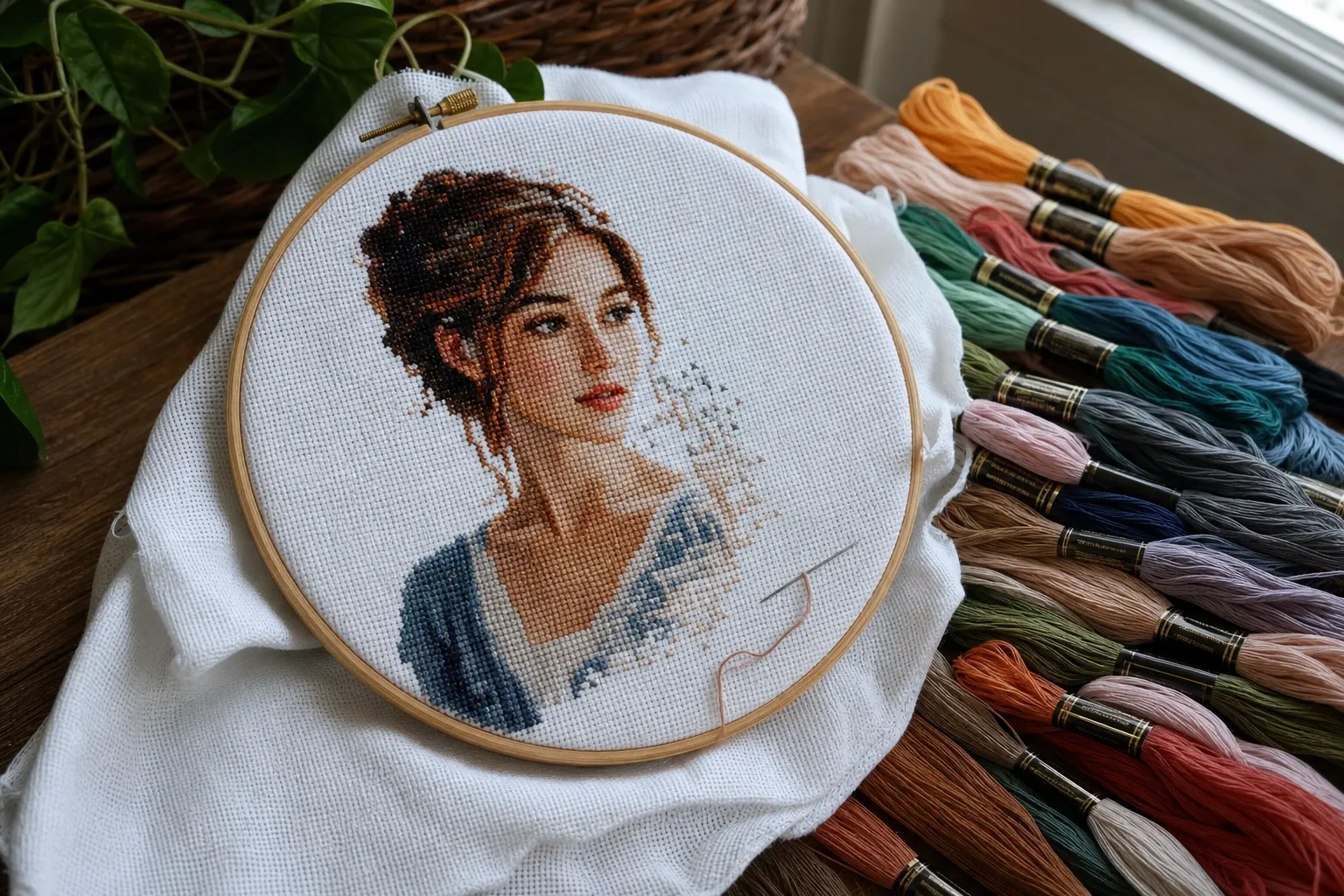
A cross-stitch pattern is a grid where every cell holds exactly one stitch of one thread color. A photograph, by contrast, is millions of subtly varying pixels. Turning one into the other means solving two problems at once: reducing the image to a coarse, countable grid, and reducing its colors to a small set of real flosses you can actually buy and stitch. Doing both well is what separates a crisp, workable chart from a muddy tangle of near-identical symbols.
Downsampling to the stitch grid
The first step shrinks the photo to your chosen stitch dimensions — say 100 stitches wide by 140 tall. Rather than sampling a single source pixel per cell, the generator averages every pixel that falls inside each cell. This block-averaging keeps each stitch representative of its region and avoids the random noise you get from naive nearest-pixel picking. The grid you choose is the single biggest decision: more stitches capture more detail but take far longer to sew and need larger fabric, while fewer stitches give a bolder, more graphic result that works up quickly.
Reducing to a stitchable palette
Each cell now holds a full-color average that must be mapped to a small number of thread colors. The generator learns that palette from your photo using k-means clustering in the CIELAB color space, so the chosen colors are perceptually distinct rather than mathematically convenient. Working in CIELAB rather than raw RGB means the reduction spends its limited colors where your eye will notice them — a few tones for a face, a couple for a background — keeping skin, sky, and shadow readable.
Why there is no dithering
Screen-oriented tools such as our pixel art generator use dithering to fake extra shades by scattering two colors in a fine pattern. Cross-stitch cannot do that: a fabric square is either one full stitch of one thread or nothing. So this tool deliberately assigns a single solid color to every cell. The trade-off is that shading must come from choosing the right thread colors, not from mixing them per cell — which is exactly how hand-charted patterns have always worked.
Matching to real DMC floss
A palette color is only useful if you can buy the thread. Each reduced color is matched to the nearest shade in the DMC stranded-cotton range by CIELAB distance, and the legend lists that thread's code and name alongside the symbol used for it and the number of stitches it fills. That turns the chart into a practical shopping list: you know precisely which skeins to buy and roughly how much of each you will use.
Reading the chart: symbols, rulers, and coordinates
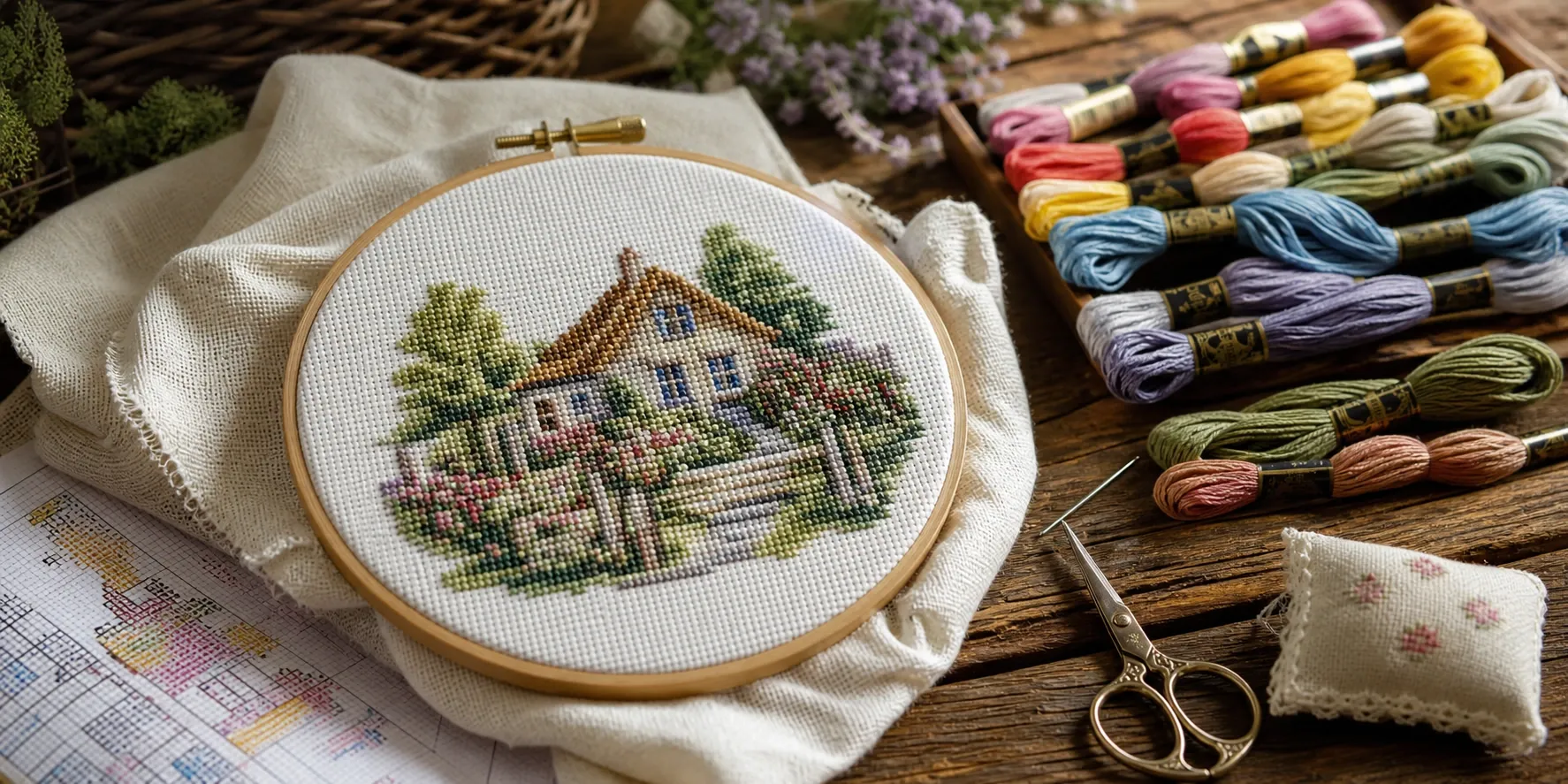
Counted cross-stitch is worked from a symbol chart, not a colored picture, because a black-and-white symbol grid stays legible when printed or photocopied and never leaves you guessing which of two similar colors a cell should be. Every palette color gets a distinct symbol; bold ruler lines every ten cells and numbered edge coordinates let you keep your place and align the pattern against your fabric. Most stitchers work in blocks of ten, ticking off completed regions as they go.
Fabric count and finished size
The physical size of a finished piece depends entirely on the Aida count — the number of stitches per inch the fabric holds. On 14-count aida, 14 stitches occupy one inch, so a 140-stitch-wide design is ten inches wide; on 18-count the same design is under eight inches. The generator computes width and height for 11, 14, 16, and 18 count so you can match the piece to your hoop, frame, or intended use before committing hours of work. Lower counts (11) stitch quickly and suit beginners or bold designs; higher counts (18) pack in detail for portraits at the cost of finer, slower stitching.
Choosing settings for different subjects
Portraits and pets reward a larger grid and more colors so faces and fur keep their form; bold landscapes, logos, and simple graphics look best with a smaller grid and fewer colors, which reads as clean, deliberate blocks. If a first attempt looks muddy, try reducing the color count for a more graphic result, or increasing the grid for more detail, and crop tighter so your subject fills the frame. If you want a related fabric craft, the same photo can also drive our diamond painting generator for a sparkling drill-based finish, or our coloring page generator for clean line art.
Using your pattern
The exported SVG stays razor-sharp at any print size, so you can enlarge a busy chart across several pages without the symbols blurring; the PNG is convenient for quick sharing or tablet viewing. Because both are standard image files with an embedded legend, they print straight from any device — no special software, no account, and no watermark on your finished chart.
Shopping List: Floss and Fabric
Before buying supplies, the legend's per-color stitch count is your shopping list. DMC stranded cotton is sold in a standard 8-meter (8.7-yard) skein of six-strand floss, and how far one skein stretches depends on your stitch size and how many strands you split off per cross — a supplier's thread-usage guidance or your own tension will tell you roughly how many stitches a skein covers, so compare that against the legend's count for each color to judge whether one skein will be enough or you need a second. For fabric, buy more Aida than the bare stitched dimensions: leaving a blank margin of at least a few inches on every side keeps the design away from the very edge, giving you enough spare cloth to mount the piece in an embroidery hoop or send it out for framing.
Print-Quality Export: Paper Size and DPI
The download panel offers both an exact-pixel PNG and a print-quality mode: choose a sheet — A4, A3, A5, US Letter, or US Legal — and a resolution of 96, 150, 300, or 600 DPI, and the generator sizes the raster export to fill that page cleanly at that density, picking the orientation that best matches your chart's proportions. Because the chart's real value is as a working reference you consult stitch by stitch, 300 DPI is a solid default for legible symbols and grid lines on ordinary printer paper; step up to 600 DPI only if you want to enlarge a section further without it looking soft. Every export is clamped to a safe pixel ceiling, so an oversized request on a very large grid scales down automatically rather than failing on a phone or tablet browser.
When Not to Use This Tool
Counted cross-stitch has a hard physical limit that no chart generator can get around: every square inch of fabric holds a fixed number of whole stitches, and each stitch is one solid color with no in-between shade. If your goal is photorealistic shading with smooth gradients — the kind a printed photo or a painting can show — cross-stitch will always look more graphic and posterized than the source image, no matter how many thread colors or how fine a fabric count you choose. It also is not the right tool for a same-day project: even a modest chart can represent many hours of hand-stitching, so a very large, high-detail grid is a long-term commitment better suited to stitchers who enjoy the process as much as the result. If you want the same photo turned into something you can finish in an evening, a printable coloring page is a faster alternative.