From a photograph to a grid of drills
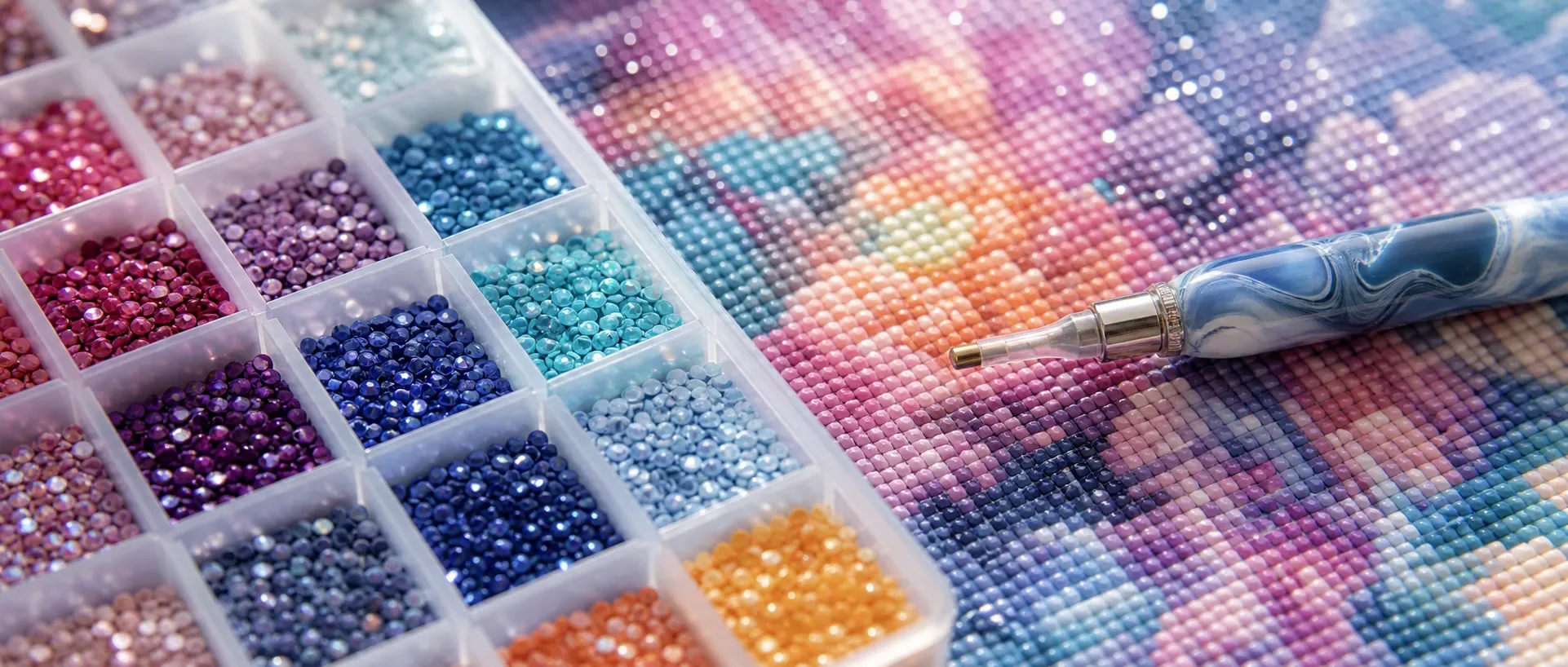
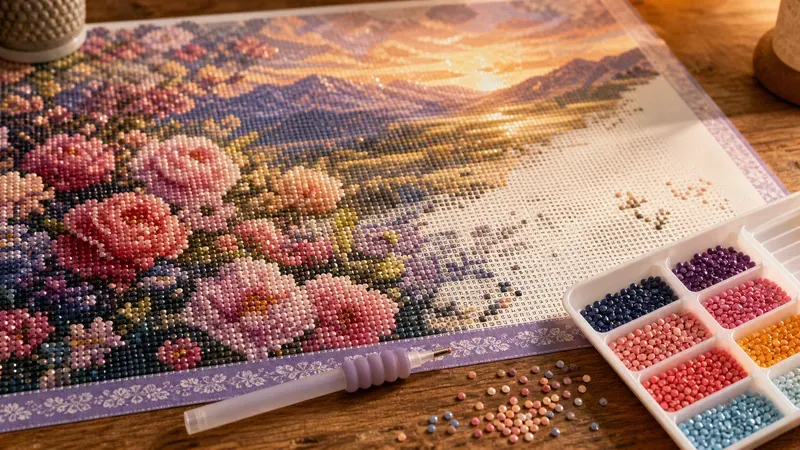
Diamond painting is a mosaic craft: a sticky canvas is covered, one position at a time, with tiny resin "drills" — small faceted beads — each placed on a symbol that tells you its color. A finished piece is really a grid where every cell holds exactly one drill of one color. A photograph is the opposite: millions of pixels in continuously varying shades. Converting one into the other means reducing the image to a coarse, countable grid and reducing its colors to a small set of real drill colors you can order — and doing both well is what makes a chart that is satisfying rather than maddening to place.
Downsampling to the drill grid
The first step shrinks the photo to your chosen drill dimensions — for example 120 drills wide by 160 tall. Instead of sampling one source pixel per cell, the generator averages every pixel inside each cell, so each drill represents its whole region and the result is free of the random speckle that naive nearest-pixel sampling produces. The grid size is your most important choice: more drills capture more detail but mean a bigger canvas and many more hours of placing, while fewer drills give a bolder, faster piece.
Reducing to a placeable palette
Each cell now holds a full-color average that must map to a limited set of drill colors. The generator learns that palette from your photo with k-means clustering in the CIELAB color space, so the colors are perceptually distinct rather than mathematically convenient. Working in CIELAB rather than raw RGB spends the limited colors where your eye notices them most, keeping faces, skies, and shadows readable instead of collapsing them into mud.
Why every cell is a single solid drill
Screen tools such as our pixel art generator use dithering to fake extra shades by scattering colors in a fine pattern. Diamond painting cannot: each canvas position holds one physical drill of one color. So this generator assigns a single solid color to every cell and never dithers. Shading comes from choosing the right drill colors across the grid, exactly as it does on a professionally produced diamond-painting kit.
Matching to real DMC drill colors
Diamond-painting drills are sold against the DMC color numbering that the embroidery-floss world already uses, so each reduced palette color is matched to the nearest DMC shade by CIELAB distance. The legend lists that code, the symbol used for it, and the number of drills it needs — turning the chart into a practical order list. Knowing the drill count per color also helps you judge how many bags of each you will use and where to start.
Reading the chart: symbols, rulers, and coordinates
Like counted cross-stitch, diamond painting is worked from a symbol chart rather than a colored picture, because distinct symbols stay unambiguous when two colors are very close and remain legible in print. Every drill color gets its own symbol; bold ruler lines every ten cells and numbered edge coordinates let you keep your place across a large canvas and check your progress. Most crafters fill one color or one ten-by-ten block at a time.
Drill size and finished dimensions
Round drills are the standard, and they sit on a fixed grid of roughly 2.5 mm per drill. That constant makes the finished size easy to predict: a 120-drill-wide design is about 30 centimeters (around 12 inches) wide, and a 160-drill-tall design about 40 centimeters tall. The generator computes width and height for you so you can pick a grid that fits your frame and the time you want to spend, rather than discovering the scale after the canvas is printed. Larger grids capture portraits and detailed scenes; smaller grids suit bold, graphic images and quicker projects.
Choosing settings for different subjects
Portraits and pets reward a larger grid and more colors so faces and fur hold their form, while bold graphics and simple scenes look best with a smaller grid and fewer colors that read as clean blocks. If a first attempt looks muddy, reduce the color count for a more graphic result or increase the grid for more detail, and crop tighter so your subject fills the frame. The same photo can also feed our cross-stitch pattern generator for a thread-based version, or our coloring page generator if you want clean line art instead of a mosaic.
Using your chart
The exported SVG stays sharp at any print scale, so a large, detailed chart can be enlarged across several pages without the symbols blurring; the PNG is handy for quick sharing or viewing on a tablet beside your canvas. Both are standard image files with an embedded legend, so they print from any device with no special software, no account, and no watermark.
Shopping List: Drills and Canvas
Diamond-painting drills are sold in small bags labeled by DMC color code, so the legend's per-color drill count is exactly what a supplier needs to know how many bags of each code to include in a custom kit or what you need to order separately. Buy every color with at least a little headroom above the exact count in the legend — a few drills are always lost to static, dropped pieces, or placement mistakes, and running out of a color mid-canvas partway through a large piece is far more frustrating than having a handful left over. Because the canvas itself is printed to the same grid the chart describes, ordering a blank canvas sized to your chosen drill dimensions (or having one custom-printed from your export) keeps the physical piece and the digital chart in exact agreement.
Print-Quality Export: Paper Size and DPI
Beyond the exact-pixel PNG, the download panel offers a print-quality mode: pick a sheet — A4, A3, A5, US Letter, or US Legal — and a resolution of 96, 150, 300, or 600 DPI, and the generator sizes the raster export to fill that page at that density, choosing the orientation that best fits your chart's proportions. Since you will refer to a printed chart repeatedly while placing drills over many sessions, 300 DPI keeps the small per-drill symbols and the ruler coordinates legible on ordinary paper; reserve 600 DPI for when you want to blow up one section for easier reading. Every export is clamped to a safe pixel ceiling, so an oversized request on a very large drill grid scales down automatically instead of failing on a phone or tablet.
When Not to Use This Tool
Diamond painting is a slow, meditative craft, and that has real implications for which photos are worth converting. A large, high-detail drill grid can represent tens of thousands of individual drills to place by hand, so treat a big canvas as a long-term project rather than something to finish in a weekend — a smaller grid with fewer colors gets you to a finished piece far sooner if that matters more to you than fine detail. The format also is not the right choice if you need a smooth, continuously shaded look: every drill is one flat color with a visible facet, so the finished piece will always read as a sparkling mosaic rather than a soft painterly image, even with a large color count. If a fast, one-session result is the goal, the same photo works well as a coloring page instead.