
Filtering arrays is the point where JSONPath stops being a simple navigation trick and becomes a genuinely useful query language. Selecting $.users[*].email is easy. The harder and more valuable task is selecting only active users, only orders above a threshold, only events from a specific region, or only objects that even contain a field. That is where filter expressions matter.
This guide focuses entirely on practical JSONPath filters. We will use realistic data shapes, show where filters work well, and explain where older implementations can still surprise you. If you need the full operator overview, see our JSONPath syntax guide. If you are comparing JSONPath against other selector languages, continue afterward with our JSONPath vs JMESPath comparison.
The Basic Filter Shape
A JSONPath filter is usually written inside an array selector as [?(...)]. The expression inside the parentheses is evaluated against each element of the array. The symbol @ refers to the current element. In a simple product list, $.products[?(@.price < 100)] returns only products whose price is below 100.
That simple pattern accounts for most real use. What changes from example to example is the field path, the comparison operator, and whether you are filtering by value, by existence, or by a nested property. The fastest way to get comfortable with JSONPath is to learn those few recurring shapes well.
Example 1: Equality Filters
Suppose an API returns users with roles and statuses. To keep only admins, use a direct equality test such as $.users[?(@.role == 'admin')]. To keep only active records, use $.users[?(@.active == true)]. Equality filters are the cleanest starting point because they read almost like English: “give me the array elements whose field equals this value.”
The practical lesson is to match the JSON type exactly. If the payload stores true as a boolean, comparing against the string 'true' will not behave the way you want. The same warning applies to numeric values. A good workflow is to format the payload first with our JSON formatter, verify the real types, and only then write the filter.
Example 2: Numeric Comparisons
Numeric filters are common in dashboards, billing APIs, order management, and monitoring payloads. A selector like $.orders[?(@.total >= 500)] returns only high-value orders. A selector like $.metrics[?(@.latencyMs < 200)] keeps only fast responses. Operators such as <, <=, >, and >= make JSONPath useful for threshold-based extraction.
The gotcha is mixed data quality. Many systems serialize numbers as strings. If one API returns "500" and another returns 500, a copied filter may stop working. When teams complain that JSONPath is unreliable, the problem is often not the language but inconsistent JSON typing upstream.
Example 3: Filtering by Nested Fields
Real payloads are rarely flat. You may need to filter an array of customers based on address.country or an array of services based on health.status.code. JSONPath handles that by following the nested path inside the filter: $.customers[?(@.address.country == 'ES')] or $.services[?(@.health.status.code == 200)].
This is where filters become especially powerful in API testing. You can narrow a large response to the few nested objects that violate a rule, instead of scanning the entire document manually. In debugging workflows, that time saving is often the difference between a two-minute investigation and a frustrating twenty-minute search.
Example 4: Existence Checks
Sometimes you do not care about a value yet. You only care whether the field exists. In that case, a filter like $.users[?(@.email)] selects objects that contain a truthy email field. This is useful when working with optional API fields, partially migrated schemas, or semi-structured event payloads where some producers emit a field and others do not.
Existence checks are handy, but they need interpretation. They may treat empty strings, null values, and absent keys differently depending on the implementation and the exact expression. If your quality gate depends on this distinction, validate it against your actual library or use a stricter predicate strategy rather than assuming all engines behave the same way.
Example 5: Combined Conditions
Production filters often combine more than one rule. You may want only active subscriptions in Europe above a specific monthly value. A shape like $.subscriptions[?(@.active == true && @.region == 'EU' && @.monthlyValue > 50)] captures that in one query. This is where JSONPath becomes a useful operational tool rather than a simple path selector.
The best practice is not to get too clever. If a filter becomes unreadable, that is a signal to simplify the workflow: maybe query in two stages, maybe normalize the input first, or maybe compare snapshots with our JSON diff tool before filtering. Readability matters because filters are often revisited months later during an incident.
Example 6: Filtering Arrays Inside Arrays
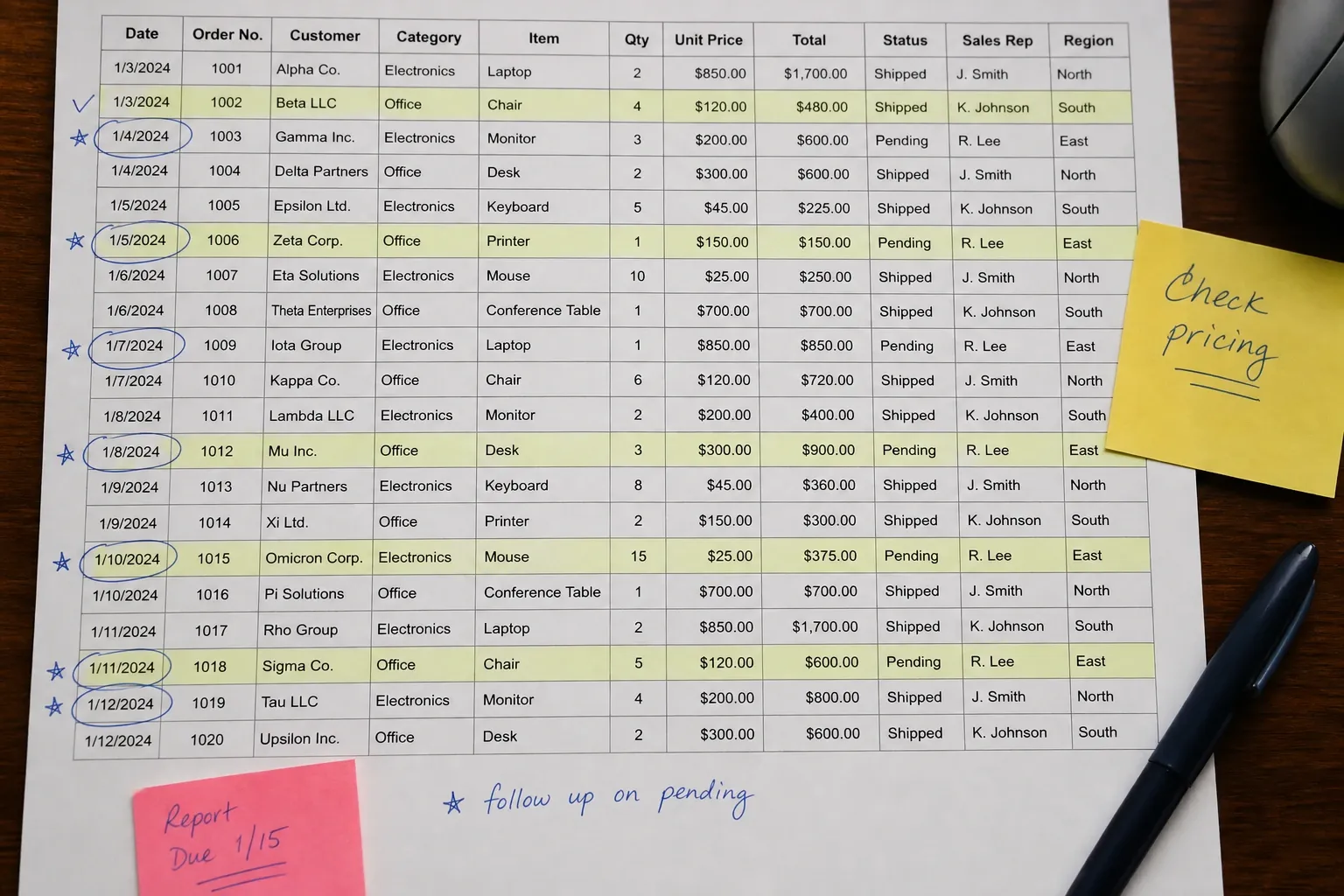
Many modern APIs nest arrays inside outer objects: orders contain line items, dashboards contain widgets, users contain roles, repositories contain issue labels. The usual approach is to navigate to the relevant inner array first and filter there. For example, $.orders[*].items[?(@.quantity > 10)] can expose unusually large line items across all orders.
This pattern is powerful but easy to misread because the result may be a collection of matches drawn from many parent objects. In practice, when working with nested arrays, it helps to inspect both the value and the path to understand which parent object produced the match. That is one reason our JSONPath tool shows the path alongside each result.
Example 7: Filtering API Errors and Log Events
Filters are ideal for observability and support workflows. A payload like $.events[?(@.level == 'error')] isolates error events. A selector like $.logs[?(@.service == 'billing' && @.status >= 500)] narrows a noisy log response to the exact failures that matter. Support teams often use this style of query to move from "something is wrong" to "these are the five broken objects" almost instantly.
These workflows also highlight a limit of JSONPath: it is for extraction, not remediation. Once you identify the broken items, you may compare versions with library-specific tooling, validate them with a schema, or patch them elsewhere. JSONPath gets you to the right slice of data quickly; it is not meant to replace full transformation pipelines.
Common Pitfalls
The first pitfall is mismatched types: numbers stored as strings, booleans stored as text, or null values treated like absence. The second is assuming all libraries support the same filter semantics, especially in older runtimes. The third is overloading one expression with too much logic. If the query is hard to read, it will be hard to trust during debugging.
A good habit is to work incrementally. Start by selecting the array. Then confirm a simple field path. Then add one condition. Then add the second. That staged approach catches mistakes faster than pasting a complex filter and guessing why the result is empty.
Conclusion
If you understand equality, numeric thresholds, nested fields, existence checks, and combined predicates, you already know most of what makes JSONPath filters useful in practice. The language becomes valuable not because it is theoretically rich, but because it lets you isolate the exact rows that matter inside complex JSON responses.
For day-to-day work, keep your filters explicit, verify the input types first, and treat broad queries with caution. Then use our JSONPath Query tool to test expressions interactively before you embed them in CI, API tests, or production diagnostics.
How to Debug a Filter That Returns Nothing
Empty output does not automatically mean the condition is wrong. Often the failure is earlier in the path. Start by selecting the array without any filter and confirm it really contains the objects you expect. Then select the field you plan to compare and inspect its type and spelling. Only after that should you add the predicate. This staged approach is faster than rewriting the whole expression because it isolates whether the problem is path navigation, data typing, or filter syntax.
It also helps to test the exact payload shape that will exist in production. Many JSONPath snippets work on tidy sample data and fail on real responses because fields are optional, arrays contain mixed object shapes, or upstream services serialize booleans and numbers inconsistently. A good filter is one that survives real payload variance, not just one that succeeds against the prettiest example.
A Team Portability Rule for JSONPath Filters
If a filter will be copied across tools, keep it conservative. Prefer direct comparisons, nested-property checks, and obvious boolean tests over clever expressions that depend on a particular library. Record one or two sample payloads next to the filter so anyone can verify the expected output in another runtime. That extra habit pays off when the same selector ends up in browser tooling, API tests, backend validation, and incident-response notebooks.
In other words, the most useful JSONPath filters are not just correct. They are reproducible, readable, and easy to retest months later. That is the standard worth aiming for when filters become part of an operational workflow rather than a one-off debugging trick.
Once teams adopt that standard, filters become safer to reuse in CI and monitoring. The goal is not just to get a match today. It is to write selectors that still make sense to the next person who has to troubleshoot an API payload at 2 a.m.