What Is JSON Pointer (RFC 6901)?
JSON Pointer is a tiny but foundational IETF standard, defined in RFC 6901, that describes a string syntax for identifying a single, specific value inside a JSON document. Where a query language like JSONPath can return many matches, a JSON Pointer always resolves to exactly one location — or to nothing at all. That precision is why it underpins so many other standards: JSON Patch (RFC 6902) uses JSON Pointer for every operation's path, JSON Schema uses it in $ref and in error reporting, and JSON Reference uses it to link documents together. If you have ever wondered what the /user/roles/0 in a patch actually means, this is the spec that defines it.
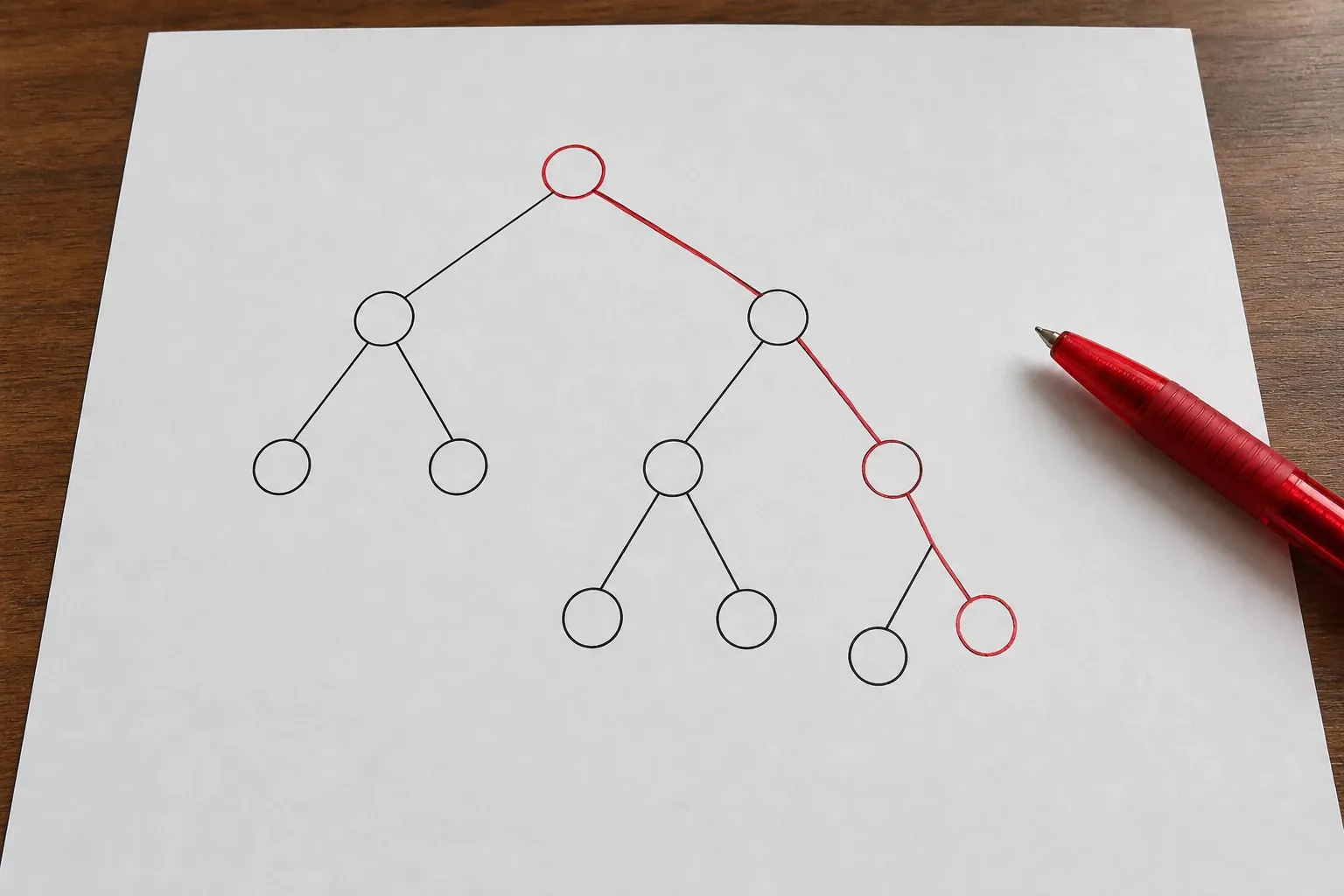
A JSON Pointer is a string made of zero or more reference tokens, each preceded by a forward slash /. Starting at the root of the document, each token selects a deeper member: an object key by name, or an array element by its zero-based index. Evaluation walks the document one token at a time until it either lands on a value or fails because a token does not exist.
The Basic Syntax: Walking the Tree
Consider this document:
{
  "user": {
    "name": "Ada",
    "roles": ["reader", "editor"],
    "settings": { "theme": "dark" }
  }
}
Here is how several pointers resolve against it:
/user/name→"Ada"/user/roles/0→"reader"(first array element)/user/roles/1→"editor"/user/settings/theme→"dark"/user→ the whole{ "name": ..., "roles": ..., "settings": ... }object""(the empty string) → the entire document root
That last case surprises people: an empty pointer does not mean "nothing," it means "the whole document." A pointer of "/" (a single slash) is different again — it points to the value under a key whose name is the empty string, which is legal in JSON. These edge cases matter because off-by-one pointer mistakes are the most common reason a JSON Patch silently fails to apply.
Escaping: Why ~0 and ~1 Exist
Because the slash / separates tokens, an object key that itself contains a slash would be ambiguous. JSON Pointer solves this with two escape sequences, and the order you apply them matters:
~1represents a literal forward slash/~0represents a literal tilde~
So to point at a key literally named a/b, you write /a~1b. To point at a key named m~n, you write /m~0n. When decoding a token, you must replace ~1 before ~0 — doing it the other way around corrupts any token containing ~01, which should decode to ~1 but would wrongly become /. This single rule trips up nearly every hand-written pointer parser, which is the strongest argument for never writing your own: use the same library that applies your patches. You can confirm how a tool interprets a path by generating a diff between two documents with the JSON Diff tool and reading the pointers it emits.
Array Indexes and the - Token
Array elements are addressed by their zero-based index: /items/2 is the third element. JSON Pointer also defines a special token, the single hyphen -, which refers to the (nonexistent) element just past the end of the array. On its own, - cannot resolve to a value — there is nothing there — but JSON Patch gives it meaning: an add operation to /items/- appends to the array. This is the difference that causes the most confusion in practice. add to /items/0 inserts before the first element and shifts everything down; add to /items/- appends to the end. If you came here from a failing patch, this is very often the culprit. The JSON Patch how-to guide walks through the apply rules in each language.
Where JSON Pointer Shows Up
You rarely use JSON Pointer in isolation — its value is in the standards built on top of it:
- JSON Patch (RFC 6902): every operation's
pathand thefromofmove/copyare JSON Pointers. - JSON Schema:
$refvalues use JSON Pointer fragments (after a#) to reference definitions, and validators report the location of each error as a pointer. - JSON Reference: the
{ "$ref": "#/definitions/address" }pattern is a URI fragment whose body is a JSON Pointer. - API error responses: standards like JSON:API put a
pointerin validation errors so clients know exactly which field failed.
Because the same syntax appears in all of these, learning it once pays off across your whole stack. When a JSON Schema validator reports an error at /items/3/price, that is a JSON Pointer, and you now know it means "the price field of the fourth item."
JSON Pointer vs JSONPath: Different Jobs
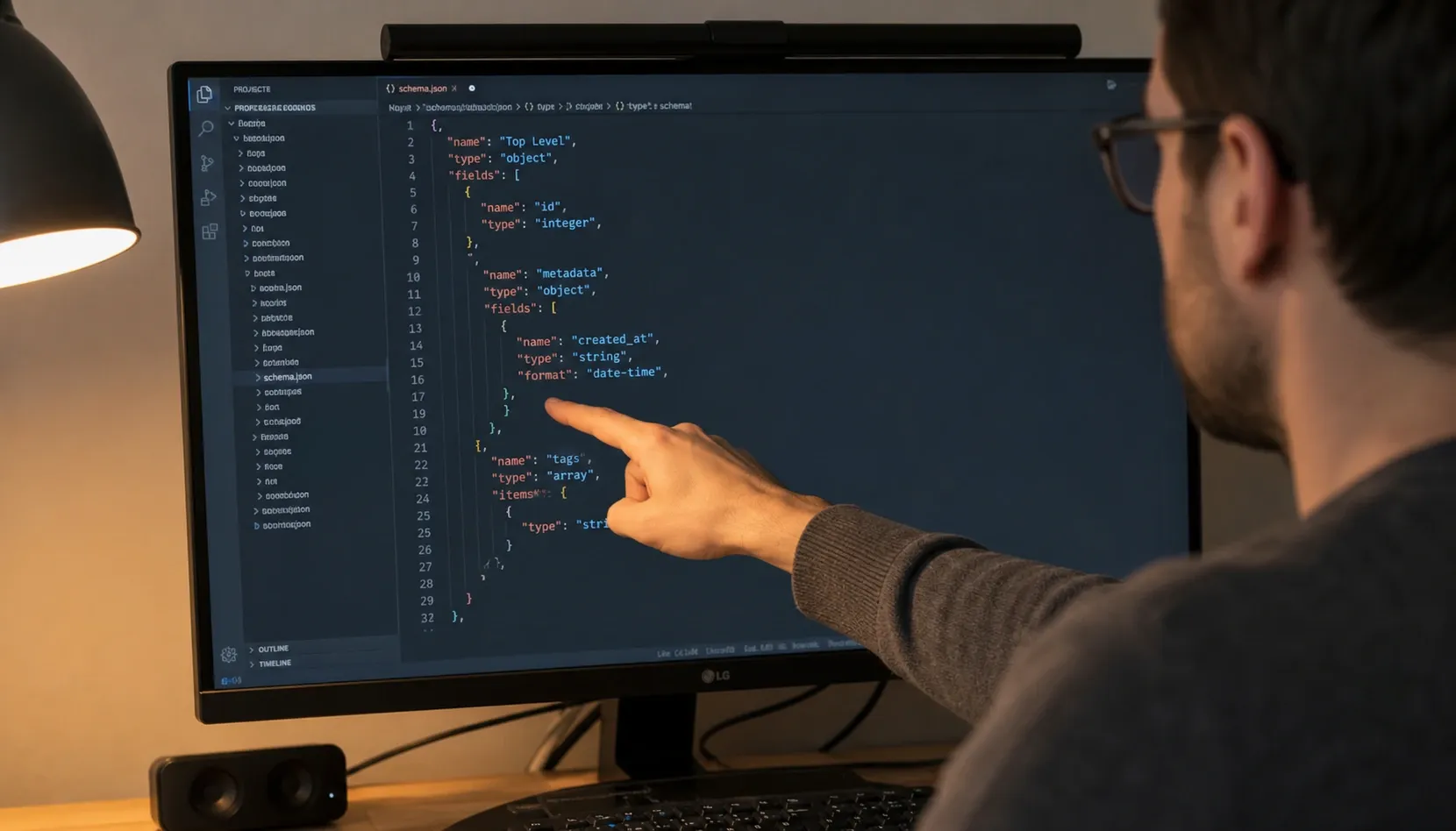
It is easy to confuse JSON Pointer with JSONPath, but they solve opposite problems. JSON Pointer is an address: it identifies one location and is used for writing (patching) and referencing. JSONPath is a query: it selects potentially many values using wildcards, filters, and recursion, and is used for reading and extraction. You would use JSONPath to answer "give me every product under $10," and JSON Pointer to say "replace the value at exactly this one path." A useful mental model: JSON Pointer is a street address, JSONPath is a search query. If you need to explore or filter data, reach for the JSONPath query tool; if you need to name a single field for an update, use a pointer.
Common Mistakes and How to Avoid Them
Most JSON Pointer bugs fall into a handful of categories:
- Forgetting the leading slash:
user/nameis not a valid pointer; it must be/user/name. The only pointer without a leading slash is the empty string, which means the root. - Escaping in the wrong order: always decode
~1before~0. - Assuming numeric keys are array indexes: in
{ "0": "x" }the token0selects the object key"0", not an array element — context decides. - Treating a missing path as null: a pointer that does not resolve is an error, not a
nullvalue. Operations that require the target to exist (likereplace) will fail rather than create it. - Hand-rolling the parser: the escaping and array rules are subtle enough that a tested library is almost always the right call.
Resolving a Pointer Step by Step
The evaluation algorithm in RFC 6901 is deliberately simple: split the pointer on /, then walk the document one token at a time, each token selecting a child of the current value. Consider this document:
{
  "users": [
    { "name": "Ada", "roles": ["admin", "billing"] },
    { "name": "Linus", "roles": ["dev"] }
  ],
  "config/v2": { "active": true }
}
To resolve /users/1/roles/0: start at the root object, select users (an array), select index 1 (the second element), select roles (an array), then index 0 — yielding "dev". Each step must succeed against the current value's type; selecting an array index on an object, or a name on an array, is an error. To address the awkward key config/v2, you must escape the literal slash: the pointer is /config~1v2/active, which resolves to true. Had the key contained a tilde, such as a~b, the token would be a~0b. You can try these against your own data in the JSON formatter to confirm the structure before building a pointer.
The URI Fragment Form
RFC 6901 defines two equivalent representations. The plain string form — /users/0/name — is what you pass to most libraries and what appears in JSON Patch documents. The URI fragment form prefixes the pointer with # and percent-encodes characters that are not legal in a fragment, so the same pointer becomes #/users/0/name. This is the form you see inside JSON Schema $ref values like { "$ref": "#/definitions/address" }. The two forms address the identical location; the difference is purely about where the pointer is embedded. A subtle trap: in the fragment form, characters such as space become %20 on top of the ~0/~1 escaping, so a key like full name is written #/full%20name. When a $ref mysteriously fails to resolve, percent-encoding is a frequent culprit. The safest habit is to let your JSON library produce the fragment form for you rather than concatenating it by hand, since it will apply both layers of escaping in the correct order automatically.
Summary
JSON Pointer is small enough to learn in an afternoon and important enough to use every day. It addresses exactly one value by walking the document token by token, escapes / and ~ as ~1 and ~0, treats array indexes as zero-based with a special - append token, and resolves the empty string to the whole document. Master those rules and the rest of the JSON ecosystem — Patch, Schema, References, and structured API errors — suddenly reads like plain English. When a path will not resolve, slow down and check the leading slash, the escaping order, and whether you meant an array index or an object key. Nine times out of ten, the fix is one character.