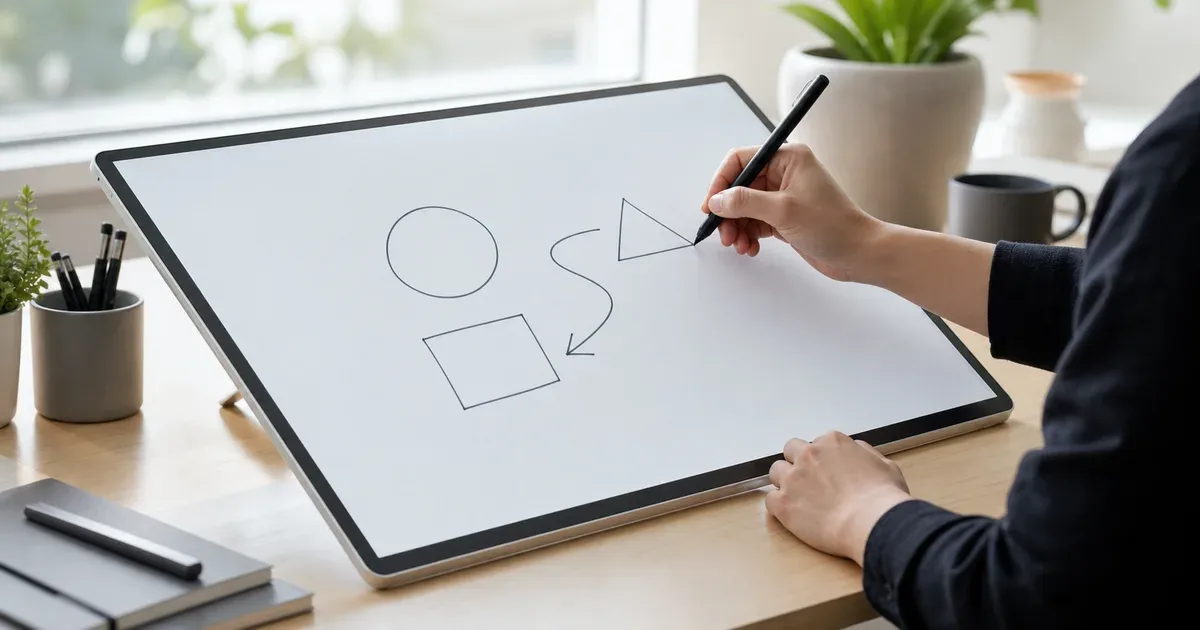

A free online whiteboard to draw, sketch and diagram in your browser. Freehand pen, highlighter, shapes, text and images — export to PNG, SVG, PDF or JSON.
A free full-screen online whiteboard that fills your screen edge to edge. Draw, present and teach distraction-free — runs in your browser, nothing uploaded.
Why Use Whiteboard & Drawing?
Frequently Asked Questions
What can I make with these drawing tools?
Freehand sketches, brainstorming boards, flowcharts and diagrams, annotated screenshots, and quick visual notes — using a pen, highlighter, auto-shapes, text and imported images, all exportable as PNG, SVG, PDF or JSON.
Is anything uploaded to a server?
No. The whiteboard runs entirely in your browser on the HTML canvas. Your drawing, imported images and exports are created locally and never transmitted anywhere.
Can I save a board and keep editing it later?
Yes. Export the board as a JSON scene file and re-open it any time to keep editing. The tool also autosaves your latest board locally so you can restore it on your next visit.
Do exports scale without getting blurry?
Vector shapes and text export losslessly to SVG, which scales to any size. PNG and PDF exports offer standard, 2× and print-resolution (A4/A3 at 300 DPI) options.