TOTP Generator
NEW!

TOTP Generator

Generate TOTP codes from a secret or a QR code, and build the QR from a secret. Everything runs in your browser β€” nothing is uploaded.

Security Tools
Advanced parameters
Examples

Enter a base32 secret, paste an otpauth URI, or scan a QR code to generate a live code.

Everything runs in your browser. Your secret is never uploaded and never saved.

This is a convenience generator, not a replacement for your authenticator app. Do not use it as your only second factor.

Keywords

totp generator2fa code generatorotpauth qr codeauthenticator code onlinetotp from secretqr code to totp secretrfc 6238two factor authentication tool

Need something else?

How to use

1

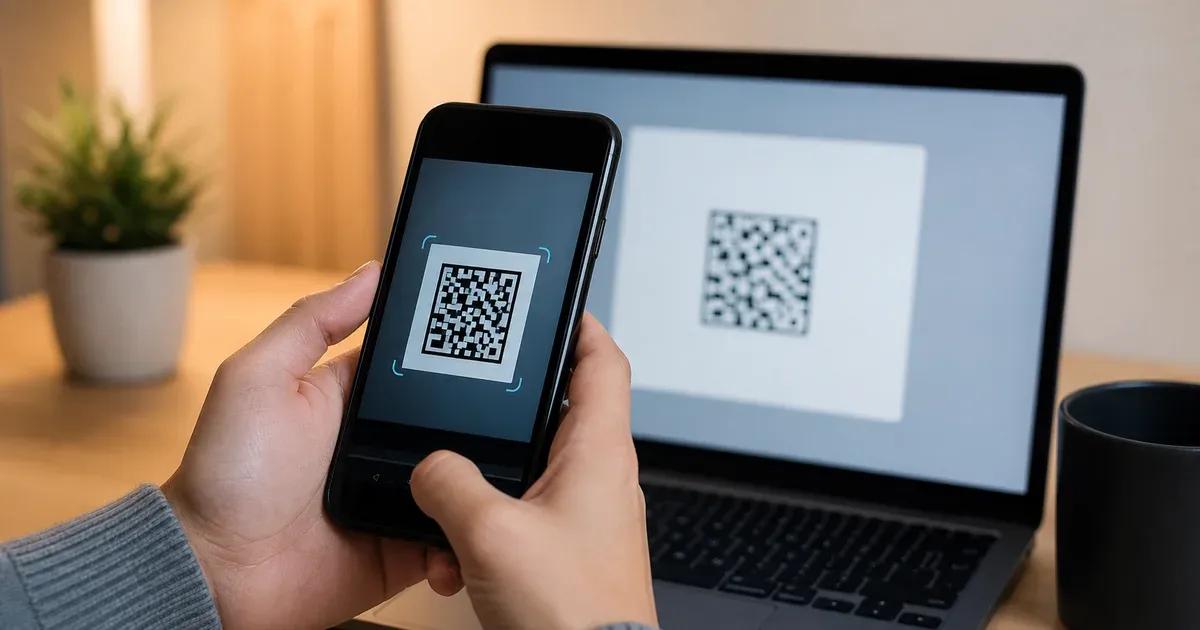
Pick an input: paste a base32 secret on the Secret tab, paste a full otpauth:// URI, upload a QR image, or scan a QR with your camera.

2

Whichever piece you provide, the tool fills in the rest β€” the live code, the otpauth:// URI, the secret, and a matching QR code.

3

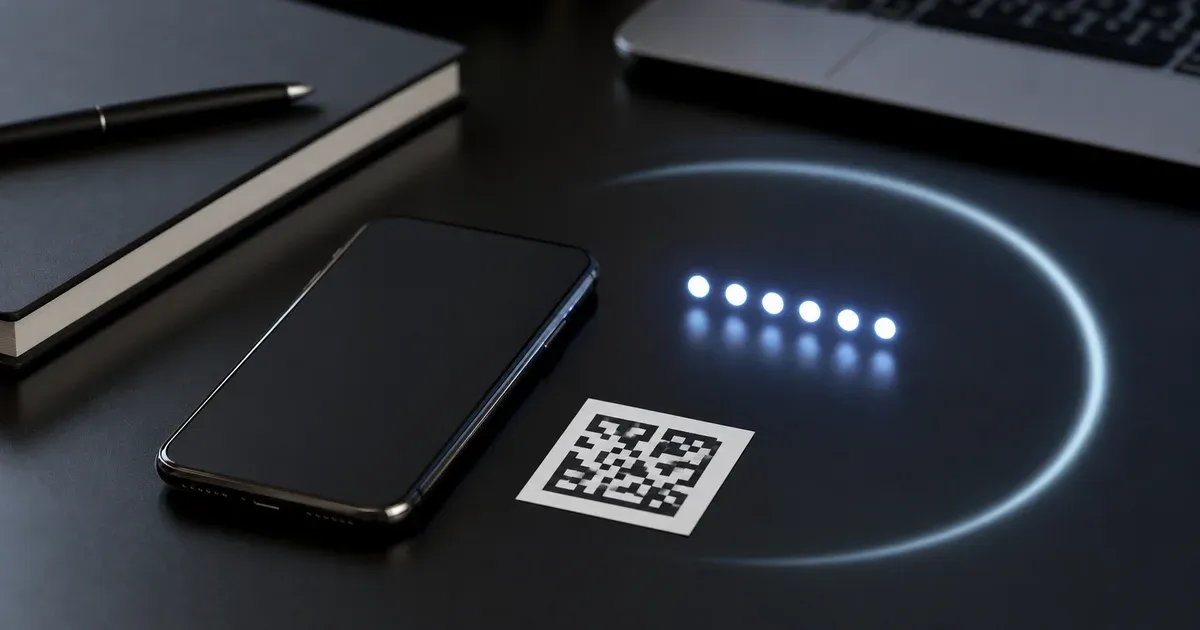
Read the six-digit code and the ring beside it, which shows the seconds left before it rolls over; the next code is previewed underneath.

4

Open Advanced parameters to switch the algorithm, digit count, or period if your service uses non-default settings, or set an issuer and account label.

5

Copy the code, the secret, or the URI with one click, or download the QR as a PNG to enrol the account in an authenticator app.

Features

Four Ways In

Start from a base32 secret, a complete otpauth:// URI, an uploaded QR screenshot, or a live camera scan. Each path fills in every other field automatically.

Bidirectional QR

Generate a scannable QR from any secret, or decode a QR you already have back to its secret and parameters. Encoding runs in shared, tested core logic; decoding uses the browser's BarcodeDetector with a pure-JavaScript fallback.

Live Countdown With Next-Code Preview

A ring animates down the seconds remaining in the current period and the code refreshes the moment it expires. The upcoming code is shown too, so you never miss a rollover mid-entry.

Full Parameter Control

Choose SHA-1, SHA-256, or SHA-512, six to eight digits, and a 15-to-60-second period. Set an issuer and account so the generated QR enrols under a recognizable name.

Clock-Skew Detection

TOTP depends on your device clock. The tool compares your clock to the server's and warns you when it drifts far enough to produce codes a service would reject.

Why Choose This Tool?

Your Secret Never Leaves the Page

The secret, the codes, and the QR are all computed inside your browser tab using the Web Crypto API. Nothing is uploaded, logged, or written to storage β€” reload the page and it is gone. A TOTP secret is a long-lived credential, so keeping it off the network matters.

Standards-Correct by Construction

Code generation follows RFC 6238 (TOTP) over RFC 4226 (HOTP) with RFC 4648 base32, and is verified against the official RFC 6238 test vectors for SHA-1, SHA-256, and SHA-512. The otpauth:// parser and builder follow the Google Authenticator Key URI format. The logic is open source in tools-core.

Bidirectional and Complete

Most online tools only turn a secret into a code. This one also reads a QR back to its secret, builds a QR from a secret, and round-trips the otpauth:// URI β€” so it doubles as an enrolment helper and a recovery aid when you have a QR but no secret text.

Works Offline, Loads Instantly

It is a lightweight static page with no server round-trips, so it opens immediately and keeps working with no network once loaded. QR decoding from an image and code generation both run with the tab disconnected β€” useful on a locked-down or air-gapped machine.

How Time-Based One-Time Passwords Work

A time-based one-time password (TOTP) is the six-digit code an authenticator app shows for an account, refreshing every thirty seconds. It is defined by RFC 6238, which builds on the HMAC-based one-time password of RFC 4226. The design is deliberately simple: a shared secret plus the current time produce a code that both your device and the server can compute independently, with no network round-trip and nothing to intercept.

The Shared Secret

Enrolment starts when a service generates a random secret β€” typically sixteen to twenty bytes β€” and shows it to you, usually encoded as base32 text and packaged inside a QR code. Your authenticator stores that secret; the server stores the same secret against your account. From then on both sides hold identical key material and never need to exchange it again. Base32 (RFC 4648) is used because its alphabet avoids ambiguous characters and survives being typed by hand.

The Time Step

Instead of a counter that both sides must keep in sync, TOTP derives the counter from the clock. It takes the number of seconds since the Unix epoch and divides by the period β€” thirty seconds by default β€” discarding the remainder. Everyone with a roughly correct clock computes the same counter for the same thirty-second window, which is why the code is the same on your phone and on the server without either one talking to the other.

HMAC and Dynamic Truncation

That eight-byte counter is signed with HMAC under the shared secret, using SHA-1 by default (some services choose SHA-256 or SHA-512). The result is a twenty-byte value, far too long to type. RFC 4226 defines a "dynamic truncation" to shrink it: take the low four bits of the last byte as an offset, read the four bytes starting at that offset, mask off the top bit to stay positive, and reduce the resulting number modulo ten to the power of the digit count. The leftover is your six-, seven-, or eight-digit code, zero-padded on the left.

Why Both Sides Must Agree

Because the code is fully determined by the secret, the algorithm, the digit count, and the period, both sides must agree on all four. An authenticator that assumes SHA-1 and six digits will silently produce wrong codes for a service that expects SHA-256 or eight digits β€” the maths runs fine, it just yields a different number. This is why the otpauth:// URI carries the algorithm, digits, and period alongside the secret.

Clock Drift and Validation Windows

Since the counter comes from wall-clock time, a device whose clock is more than a step out of sync computes the counter for the wrong window and produces a code the server rejects. To absorb small drift, servers usually accept the codes for the adjacent windows β€” one step before and after β€” rather than only the exact current one. Large skew still fails, which is the single most common reason a code "does not work" despite the secret being correct.

What the Server Stores

The server keeps only the shared secret and the parameters, and recomputes the expected code on each login to compare against what you typed. It records nothing predictive and, ideally, remembers the last accepted step so a code cannot be replayed within its own window. There is no code database and no reversible transformation: the same one-way HMAC runs on both ends, which is what makes TOTP both offline-capable and hard to phish through interception alone.

The QR Code Is Just Carrying Text

The QR you scan during enrolment is not doing anything cryptographic β€” it is a convenient way to move a long string of text from a screen into a phone camera without typing it. That string is the otpauth:// URI: it names the type as totp, carries an issuer and account so the app can label the entry, and includes the secret plus any non-default algorithm, digits, and period. Because it is only text, a QR you cannot scan can always be entered by hand from its underlying URI, and a secret you have as text can always be turned back into a QR. This tool exploits that symmetry: give it any one representation β€” secret, URI, or QR image β€” and it reconstructs the others. It is also why you should treat a 2FA QR like a password: anyone who photographs it gains the same code-generating ability you have.

TOTP, HOTP, and Why Time Won

TOTP's predecessor, HOTP, used a plain incrementing counter instead of the clock. The trouble was keeping the two counters aligned: if your device generated codes you never submitted, its counter ran ahead of the server's, and logins failed until a resynchronization step. Anchoring the counter to wall-clock time removes that bookkeeping entirely β€” the clock advances on its own, in lockstep, on every device on Earth. The price is a new dependency on having a roughly accurate clock, which modern phones satisfy automatically through network time. That trade β€” a shared, self-advancing counter in exchange for a mild time-sync requirement β€” is why nearly every authenticator app you meet today implements TOTP rather than HOTP.
Frequently Asked Questions

Is my secret uploaded anywhere?

No. The secret, every code, the otpauth:// URI, and the QR are all produced inside your browser using the Web Crypto API. Nothing is sent to a server, and nothing is written to storage β€” reloading the page discards it entirely.

Can I use this instead of an authenticator app?

You can, but you generally should not rely on it as your only second factor. It is a convenience generator and a recovery aid β€” for example to read a QR you cannot scan, or to check a code. A dedicated authenticator app keeps the secret in secure device storage, which a web page cannot.

Why is my code being rejected?

The most common cause is clock skew: TOTP derives the code from your device time, so a clock more than a step out of sync produces a valid code for the wrong window. After that, check the algorithm, digit count, and period match what the service uses, and that the secret was entered without transcription errors.

What is the otpauth:// format?

It is the Key URI format popularized by Google Authenticator. It packs the type (totp), an issuer:account label, and the secret, algorithm, digits, and period into a single string that a QR code carries. Scanning the QR is just reading that text. This tool parses and builds it in both directions.

What do SHA-256 and 8 digits change?

They change which numbers come out. SHA-256 or SHA-512 replaces the default SHA-1 inside the HMAC step, and eight digits keeps more of the truncated value. Neither is a security upgrade you can turn on unilaterally β€” the server must expect the same settings, or every code will be wrong.

Can I scan a QR with my camera?

Yes. The Camera tab requests access to your camera and scans for a QR in the live preview, decoding it entirely on-device. Camera access requires a secure context, which localhost and any https:// page provide. Nothing from the camera is uploaded.

Does it work offline?

Yes, once the page has loaded. Code generation and QR encoding are pure client-side computation, and QR decoding from an uploaded image runs locally too. Only the optional clock-skew check needs the network, and it fails silently when offline.

What happens when I reload the page?

Everything is cleared. The tool never writes the secret to localStorage or sessionStorage, so a refresh, a closed tab, or a new session starts empty. If you need to keep a secret, copy it or download the QR before leaving.

Related Articles

Learn more