Why Use 3D Printing?
Frequently Asked Questions
Do these tools upload my models?
No. Files are read and analysed entirely in your browser, and no part of a model is transmitted to a server. That matters for client work under NDA, unreleased products, and commissions you have not delivered yet.
Which formats are supported?
Binary and ASCII STL, Wavefront OBJ and 3MF. The format is detected from the file's contents rather than its extension, because exporters routinely write ASCII data into files named like binary STLs.
Will these tools repair my model?
No, deliberately. Repair means inventing geometry that was never modelled, which on a functional part can silently move a surface you depend on. These tools locate and measure the problem so you can fix it where the design lives.
Why does my slicer report thousands of errors on one small model?
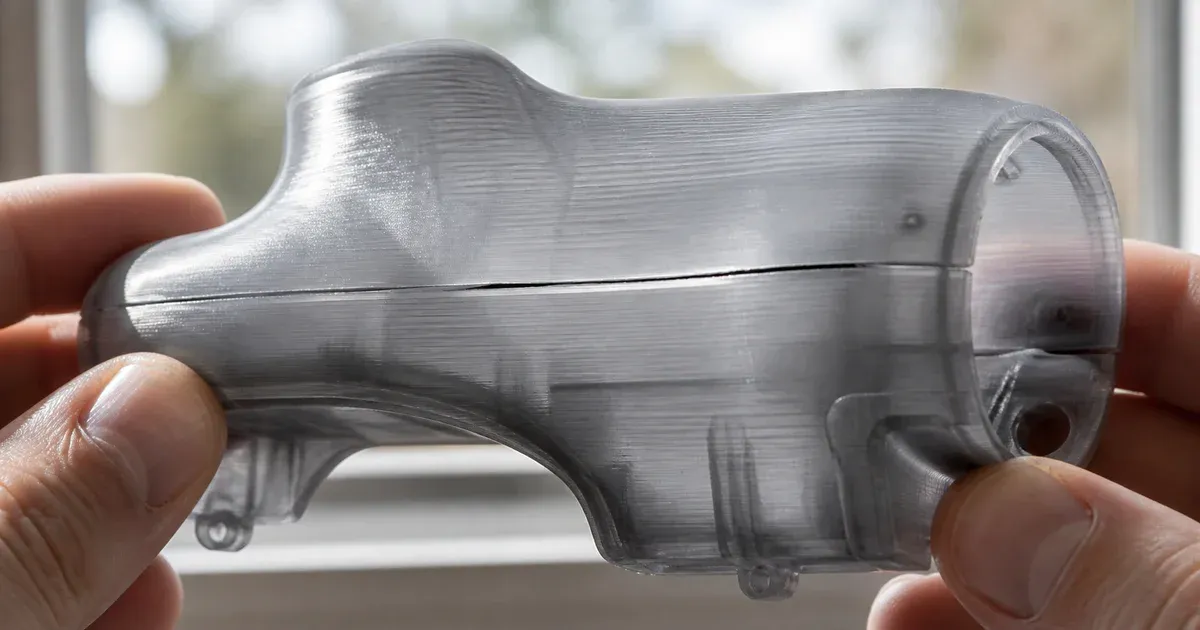
Because it is counting edges, not places. Thousands of non-manifold edges are usually one seam where two halves were joined without merging. Grouping them into connected areas normally turns a five-figure number into a handful of locations.