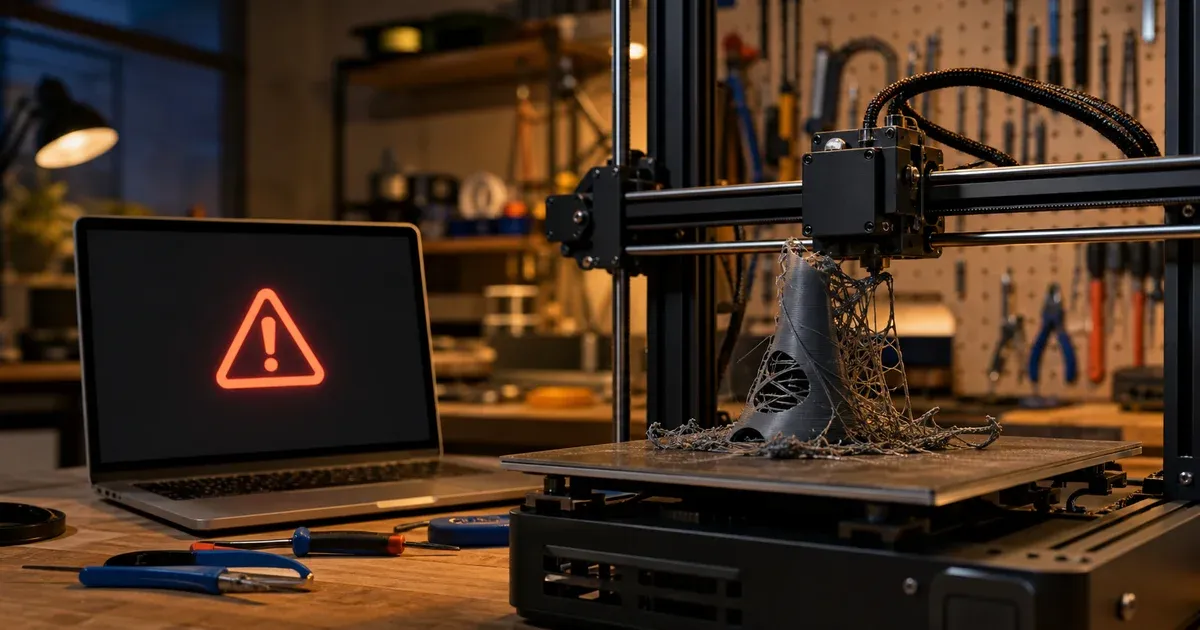
The number is a count
You open a model, the slicer throws up a warning about non-manifold edges with a number attached, and the number goes straight into a search box. Nothing useful comes back, because the number is not a code. It is a tally.
Search the forums and you will find threads titled Error 6106 non-manifold, Error 11376 Non-manifold Edges and Error: 776 non-manifold edges. Three different numbers, three different people, the same underlying condition. Each number is simply how many edges in that particular file failed the check. A slightly different export of the same model produces a different number, which is exactly why looking it up leads nowhere.
Once you see the number as a count, the obvious follow-up appears: a count of what, and how many places is that?
What an edge has to look like
A printable surface is made of triangles that meet edge to edge, and every edge is shared by exactly two of them. That is the condition slicers call manifold, and it is what lets the software walk the surface and always know which side is inside the object.
Two things break it.
An edge used by only one triangle is a boundary edge. Beyond it there is no surface at all: a hole. This is the "not watertight" complaint.
An edge used by three or more triangles is non-manifold in the stricter sense. The surface does not stop there, but it branches, and at a branch there is no single answer to which side is the interior. This is what usually produces the big numbers.
Why one mistake produces thousands of edges
Here is the part that makes the count so misleading. Consider a model built as two halves — a body and a lid, or a figure and its base — that were placed together and exported without ever being merged into one solid. Every triangle edge along that entire contact surface now has faces from both halves meeting along it.
One conceptual mistake. One seam. And if the seam runs around a moderately detailed model, it can easily be several thousand individual edges.
The same arithmetic applies to the other common causes. A boolean subtraction that left an internal wall inside the model contributes every edge of that wall. A surface extruded with zero thickness contributes every edge along its length. A mirrored copy sitting exactly on top of the original doubles every edge it touches. In each case the number in the warning is large and the number of things you have to fix is one.
This is why the productive question is not "how do I fix 6,106 edges" but "how many separate places are these 6,106 edges in". Group them by connectivity and the answer is usually somewhere between one and five.
Finding the places
Knowing there are four bad areas does not help much until you know where they are, and this is where most tooling stops. Slicers report the count. Most online checkers report the count. The standard advice on forums is to install Blender or Meshmixer and hunt for the geometry by hand — reasonable advice, and a large detour when all you wanted was to print something.
The STL Printability Checker exists for this specific gap. It reads the file in your browser, groups the failing edges into the regions they occupy, and gives each region a position and a size. Instead of 6,106 edges you get four rows, each of which you can click to swing the view onto the defect. The count is still shown, because it is what your slicer said and you need to be able to match them up, but it is not the answer.
What you do with the location depends on what caused it. A seam between two halves is fixed by a union in the modelling tool, not by a repair pass. An internal wall is deleted. A zero-thickness surface needs actual thickness. Automatic repair can close a genuine small hole reasonably well, but it cannot know that two halves were supposed to become one object, and it will happily produce a mesh that passes the check while still being wrong inside.
Non-manifold and not watertight are different problems
Both warnings tend to appear together and the phrases get used interchangeably, but the causes and the fixes are not the same.
Not watertight means missing surface. Somewhere a triangle, or a patch of them, is absent. The fix is to close the gap, and if the gap is small and in an unimportant place, a slicer's repair will do it acceptably.
Non-manifold means too much surface, in the wrong arrangement. Nothing is missing; something extra is present, or two things are occupying the same edge. The fix is to remove or merge the excess. Automatic repair struggles here, because there is no obviously correct thing to delete.
A model can be non-manifold with no holes at all, and it can be full of holes while every remaining edge is perfectly manifold. Telling them apart is the first step to fixing either.
The third failure nobody mentions
There is a state that passes both checks and still will not print: a model wound entirely inside-out.
Each triangle stores its corners in an order that decides which face points outward. Reverse that order on every triangle and the mesh is still closed, still manifold, still perfectly consistent — and the slicer now believes the inside of your object is the outside of the world. It will try to fill everything except the model. Most viewers render it identically to a correct model, so nothing looks wrong.
The reliable test is the sign of the enclosed volume. Sum the signed tetrahedra between each triangle and the origin: for a correctly wound closed mesh the total is positive, and for an inverted one it is the same magnitude with a minus sign. It is a cheap check that catches a failure which is otherwise genuinely hard to see.
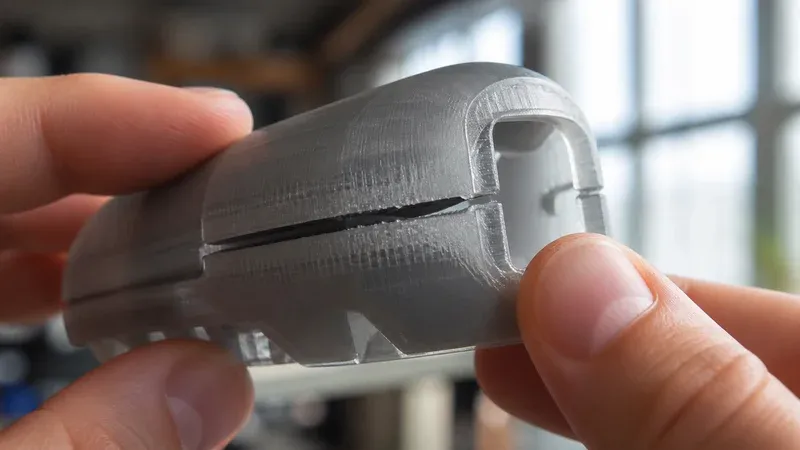
Where each defect actually comes from
Every one of these conditions is produced by a specific kind of modelling decision, and recognising the signature is faster than any repair tool. Five causes cover almost everything that reaches a slicer.
Two solids that were never united
The signature is a very large edge count concentrated in one connected region, with no holes at all. Parts placed together and exported as a group rather than combined with a boolean union. Common when a model is assembled from library components, or when a base is added under a figure at the last minute. The fix is a union in the modelling tool. Nothing a repair pass does will merge them correctly, because from the mesh's point of view there is no error to correct: the surfaces really are there.
A boolean that left an internal wall
The signature is non-manifold edges in a region that looks perfectly clean from the outside. Subtracting one shape from another can leave the cutting shape's surface behind inside the model when the operation is done on surfaces rather than solids, or when the two shapes were exactly coplanar somewhere. You will not see it without a section view. Deleting the interior faces is the fix, and it is why the coordinates matter more here than anywhere else: the defect is invisible from every angle.
Surfaces with no thickness
The signature is a long thin band of non-manifold edges, often around the silhouette of a feature. Some CAD workflows and most sculpting exports can produce a fin: a surface that has area but no volume, like a sheet of paper with nothing on either side. A slicer has nothing to fill. Give it thickness, or delete it if it was construction geometry.
Missing triangles from a decimation or a conversion
The signature is holes rather than non-manifold edges, often several small ones scattered over a curved area. Reducing polygon count, converting between formats, or exporting from a scan can drop faces. These are the defects automatic repair handles well, provided you have looked at the sizes first and confirmed that none of them is a feature you meant to keep.
A mirrored or duplicated copy in place
The signature is a doubled triangle count and every edge in the overlapping region non-manifold, or a second shell sitting exactly on top of the first. A mirror operation without a subsequent merge, or a paste that landed at the origin twice. Deleting the duplicate resolves the entire warning at once, which is why a five-figure edge count is so often a two-second fix.
Reading the numbers your slicer gives you
Slicers differ in what they report and how loudly. Some silently repair on import and mention it in a log nobody reads; others refuse to slice. The phrasing varies too — "not watertight", "non-manifold", "needs repair", "auto-repaired object" — but underneath, all of them are running the same edge count on the same mesh.
The practical consequence is that a model which slices fine in one program and fails in another is not evidence of a bug in either. It usually means one of them repaired quietly and the other did not. If a print came out with a filled cavity or a missing hole and nobody can explain it, a silent repair on import is the first thing to suspect, and checking the mesh before it reaches the slicer is how you find out.
A short diagnostic order
When a model is rejected, working through it in this order saves time:
- Are there holes? If yes, how many separate rings, and how big is each? A pinhole at the tip of a spike and a missing base are both "not watertight" and want very different responses.
- Are there non-manifold areas? If yes, how many places, not how many edges. Look at each one and ask what operation would have produced it.
- Is the winding consistent, and is the volume positive? This is the check that finds the failure nothing else explains.
- How many separate shells? A stray fragment left over from an edit is common, harmless to detect and confusing to leave.
Four questions, and the answers to all of them together take a couple of seconds to compute on any model you can actually print.
Why not just let the slicer repair it
Slicers do have repair built in, and for a decorative model with one small hole it is the right choice. The reason to look first is that repair is a guess about geometry that was never in the file.
Closing a hole means inventing a surface to span it. On a vase, nobody will ever know. On a bracket with a bolt hole, a repair pass that decides the hole is a defect and fills it produces a part that looks right, slices cleanly, prints perfectly, and is useless. The failure is silent, and it costs you the print time to discover.
Looking at the defect list first takes seconds and tells you which case you are in. If it is one 0.3 mm hole in a decorative surface, let the slicer handle it. If it is a 12 mm opening where a bolt hole should be, the model needs fixing rather than patching.
What to take away
The number in the warning is a count of broken edges, not a code to search for, and it says almost nothing about how much work is ahead of you. Thousands of edges are routinely one mistake. What actually matters is how many distinct places they form and where those places are, and that reduces most alarming warnings to a short, boring list.
If you want to see it on your own file, the STL Printability Checker does the grouping and locating in your browser without uploading anything.