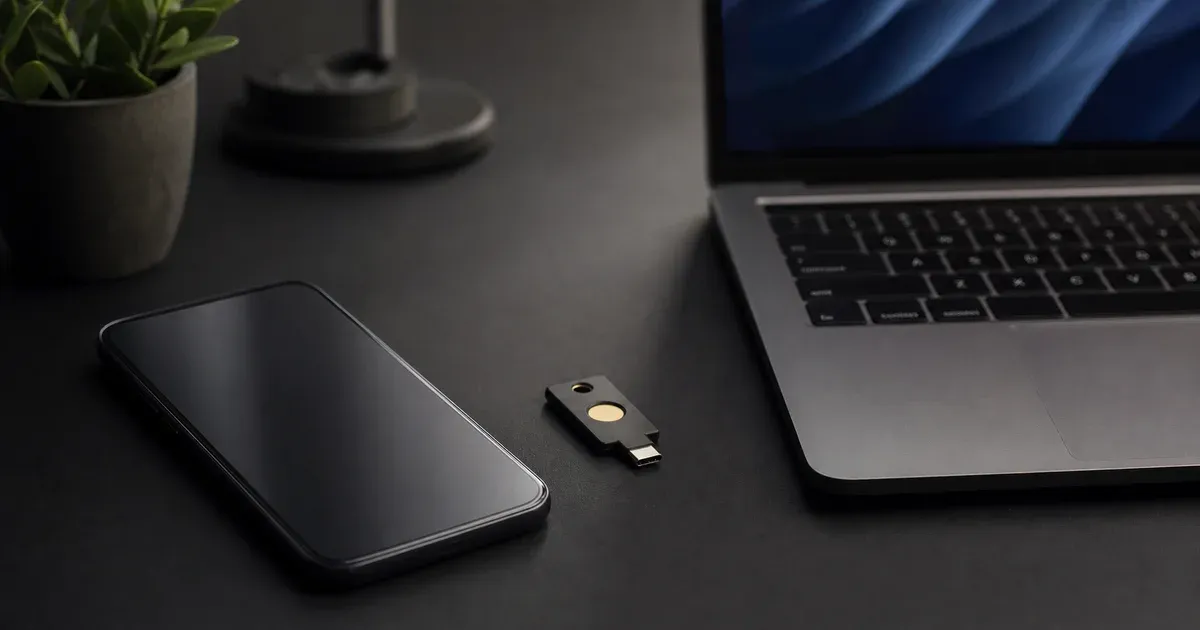
"Turn on two-factor authentication" is good advice, but it hides an important detail: not all second factors are equal. A text-message code, a six-digit code from an authenticator app, and a passkey all sit behind the same "verify it's really you" prompt, yet they resist completely different attacks. Choosing the wrong one can leave you exposed to threats you assumed you had solved. This article compares the three approaches by threat model — what each one actually defends against, and where each one still fails — so you can pick deliberately rather than by default. It pairs with our companion guide on how TOTP authentication works and our walkthrough of the anatomy of a 2FA QR code.
Why the Second Factor Exists at All
A password is "something you know." Its fundamental weakness is that knowledge can be copied without your awareness: it can be phished, guessed, reused from another breached site, or read from a server that stored it badly. A second factor adds a category the attacker usually cannot copy remotely — "something you have" (a phone, a key) or "something you are" (a fingerprint gating that device). The goal is that stealing your password alone is no longer enough to log in.
But that goal is only met if the second factor is genuinely hard for a remote attacker to obtain or reuse. This is exactly where SMS, TOTP, and passkeys diverge. Each raises the bar; they just raise it to very different heights, and against very different attackers.
SMS One-Time Codes: The Weakest Common Factor
SMS-delivered codes are the most widely deployed second factor because they require nothing of the user beyond a phone number. That ubiquity is their only real advantage. On the security side, SMS carries several well-documented, structural weaknesses that have nothing to do with how careful the user is.
SIM swapping. An attacker who convinces (or bribes, or social-engineers) a mobile carrier to move your phone number to a SIM they control will receive every SMS code sent to you. The victim typically notices only when their own phone loses service. This is not a theoretical exploit — SIM-swap fraud is a recognized category of attack that carriers, regulators, and law-enforcement agencies have publicly documented, and it targets exactly the accounts (email, banking, crypto) where SMS 2FA is most common.
SS7 and network interception. The global telephone signalling system, SS7, was designed decades ago in a high-trust environment between a small number of carriers. Weaknesses in it have been shown to allow rerouting or interception of text messages by parties with access to the signalling network. This means an SMS code can, in principle, be intercepted in transit without ever touching your phone or your carrier's customer-service desk.
Delivery and reliability. SMS is best-effort. Codes can be delayed, dropped, or fail entirely when roaming, on weak signal, or when a messaging gateway is congested. A second factor that sometimes does not arrive pushes users and support desks toward weaker fallback flows ("didn't get the code? answer these security questions instead"), and those fallbacks often become the softest part of the whole system.
Phishability. Like any code the user reads and types, an SMS code can be relayed to a fake site in real time by an attacker sitting in the middle. So SMS inherits the phishing weakness of all typed codes on top of its unique network-layer problems.
The practical conclusion is not "SMS is useless." SMS 2FA is still meaningfully better than a password alone against opportunistic, low-effort attackers. But it is the weakest of the three, and for high-value accounts it should be replaced — or at minimum supplemented — as soon as a stronger factor is available.
TOTP: A Large Upgrade That Cuts the Carrier Out
Time-based One-Time Passwords (TOTP), standardized in RFC 6238, work completely differently. During setup, the service and your authenticator app agree on a shared secret — the payload behind the QR code you scan. From then on, both sides independently compute the same short code from that secret plus the current time, in 30-second windows. Nothing is transmitted at login time except the code you type. Our TOTP generator implements exactly this computation in the browser, and the TOTP deep-dive walks through the HMAC and truncation steps in detail.
This design eliminates the entire class of SMS weaknesses at once:
- No carrier, no phone number. Because the code is computed locally from the shared secret, there is nothing to SIM-swap and nothing to intercept on the phone network. Taking over your mobile number gains the attacker nothing.
- No network delivery. The code is generated offline on the device. It works on a plane, in a basement, or on a phone with no SIM at all. There is no gateway to congest and no message to drop.
- Short validity window. Each code is valid only for its 30-second step (plus a small tolerance servers allow for clock skew), which sharply limits how long a leaked code is useful.
For anyone currently on SMS, moving to a TOTP authenticator app is one of the highest-value security upgrades available, and it is free. It closes the SIM-swap and SS7 doors entirely.
The Residual Weakness of TOTP: It Is Still Phishable
TOTP is a big step up, but it does not solve every problem, and it is important to be precise about the one it leaves open. A TOTP code is not bound to the website you are logging into. It is derived only from the shared secret and the clock — it knows nothing about which site requested it. That means a user can be tricked into typing a currently-valid code into a convincing fake site.
The attack looks like this: you receive a message with a link to a page that looks exactly like your bank or email provider. You enter your password; the fake site instantly replays it to the real site. The real site asks for your TOTP code; the fake site asks you for it too. You read the live code off your authenticator and type it in. The attacker relays that code to the real site within its 30-second window and is now logged in. This is a real-time phishing / adversary-in-the-middle pattern, and because the code carries no information about the origin, the human is the only line of defence — and humans are fallible under pressure.
So TOTP defeats remote credential theft and the SMS-specific network attacks, but it does not defeat a victim who can be socially engineered into entering a code on the wrong site. That is precisely the gap the next factor was designed to close.
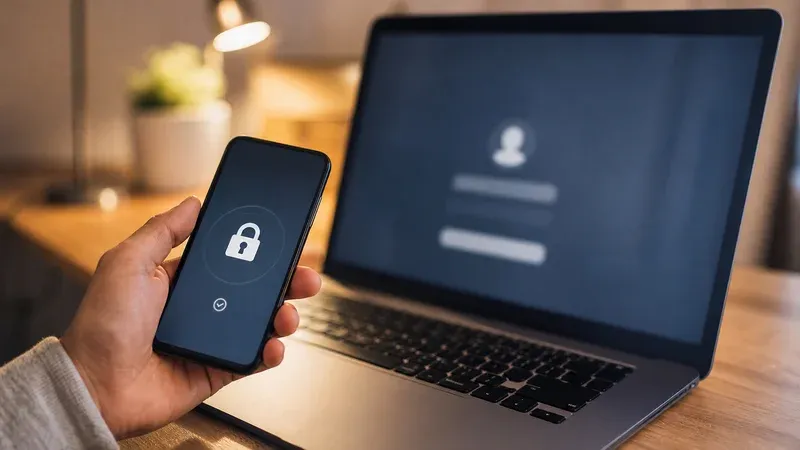
Passkeys and WebAuthn: Phishing-Resistant by Design
Passkeys are the consumer-facing name for credentials built on the WebAuthn standard (part of the FIDO2 family). Instead of a shared secret that both sides know, a passkey uses public-key cryptography. When you register, your device generates a key pair: the private key never leaves the device (or your synced, end-to-end-encrypted keychain), and only the public key is handed to the website. There is no shared secret sitting on the server to steal, and there is no code for you to read and retype.
The property that matters most here is origin binding. When you authenticate, your device signs a challenge from the site, and the browser includes the actual origin (the real domain making the request) in what gets signed. The private key will only produce a signature scoped to the origin the browser is genuinely talking to. A phishing site served from a look-alike domain is a different origin, so the credential registered for your real bank simply will not produce a valid signature for the attacker's domain. The browser and operating system enforce this — it does not depend on the user noticing that the URL is subtly wrong.
This is the crucial difference from both SMS and TOTP. With those, the secret or code is something a human transfers, so a human can be tricked into transferring it to the wrong place. With a passkey, there is nothing for the human to transfer, and the cryptography itself refuses to work off-origin. That is what people mean when they call passkeys phishing-resistant by design: the resistance is a structural property of the protocol, not a behaviour we are asking the user to perform correctly every time.
Device-Bound vs Synced Passkeys
Passkeys come in two broad flavours, and the distinction affects your threat model:
- Device-bound passkeys live only on a single authenticator — commonly a hardware security key, or a passkey a platform deliberately keeps non-exportable. The private key never leaves that piece of hardware. This gives the strongest guarantee against remote theft, at the cost of recovery risk: lose the device and you lose that credential, so you must register a backup authenticator.
- Synced passkeys are backed up and synchronized across your devices through a platform or password-manager keychain, protected by end-to-end encryption. They trade a little of the "the key physically cannot leave this one device" guarantee for dramatically better usability and recoverability — if you lose a phone, the passkey is still available on your other signed-in devices. For most people this is the practical sweet spot, because the biggest real-world risk with device-bound-only credentials is account lockout, not exotic key extraction.
Both variants keep the origin-binding property that makes passkeys phishing-resistant; syncing changes where the private key can exist, not whether a phishing site can use it.
What Passkeys Do Not Magically Fix
Being even-handed cuts both ways. Passkeys are excellent against phishing and server-side secret theft, but they are not a cure-all. Adoption is still incomplete: many services do not offer them yet, recovery and account-linking flows are still maturing, and a poorly designed fallback ("can't use your passkey? here's an SMS code") can quietly reintroduce the very weakness you were trying to escape. A passkey also protects the authentication step, not everything after it — malware already running on your unlocked device, or a session token stolen after login, is a different problem class. Passkeys raise the floor dramatically for the login itself; they do not make the rest of your security posture irrelevant.
Side by Side: What Each Factor Resists
It helps to line the three factors up against the specific attacks discussed above rather than a vague "strong/weak" label.
- Password reuse / remote credential theft: SMS, TOTP, and passkeys all defend against this, because all three require something beyond the password.
- SIM swapping: SMS is vulnerable. TOTP and passkeys are not affected — neither depends on your phone number.
- SS7 / network interception: SMS is exposed. TOTP and passkeys never send a code over the phone network, so there is nothing to intercept.
- Real-time phishing / adversary-in-the-middle: SMS and TOTP are both phishable, because the user reads and retypes a code that is not tied to the site. Passkeys resist this structurally through origin binding.
- Server-side secret theft: A breached server can leak SMS-flow details and TOTP shared secrets. A passkey server only stores public keys, which are useless to an attacker on their own.
- Offline / poor connectivity: SMS can fail to deliver. TOTP works fully offline. Passkeys work locally too, since signing happens on your device.
Read top to bottom, the pattern is clear: TOTP dominates SMS on essentially every axis, and passkeys add the one thing TOTP cannot provide — resistance to a user being tricked in real time.
When to Use Which
None of this means you must chase the newest option everywhere. A sensible, realistic policy looks like this:
- Prefer passkeys where they are offered, especially for your highest-value accounts — primary email, banking, identity providers, and anything that can reset other accounts. Their phishing resistance is a genuine categorical improvement, not an incremental one.
- Use TOTP as your default everywhere passkeys are not yet supported. This is the common case today. TOTP is free, offline, carrier-independent, and a large security upgrade. Treating it as the baseline for every account that offers "authenticator app" is a sound, durable choice while passkey support continues to expand.
- Treat SMS as a last resort or temporary fallback. If a service offers only SMS, SMS-plus-password is still better than password alone against casual attackers — so enable it. But migrate to TOTP or passkeys the moment either becomes available, and be wary of accounts that let an SMS fallback silently override a stronger factor.
- Keep backups regardless of factor. Save TOTP recovery codes offline; register a second passkey authenticator; do not let a single lost device lock you out. The most common self-inflicted 2FA disaster is not being hacked — it is being locked out of your own account.
The through-line is proportionality: match the factor to what the account can lose. Most people can meaningfully improve their security this week without buying anything, simply by moving their important accounts off SMS and onto a TOTP authenticator, then adopting passkeys opportunistically as each service ships support. If you are setting up TOTP for the first time, the 2FA QR code walkthrough explains exactly what you are scanning, and our TOTP generator lets you verify codes entirely in your browser.
A Note on Combining Factors
These options are not strictly mutually exclusive. Many services let you register more than one method, and a thoughtful combination can hedge different failure modes: a passkey as your primary phishing-resistant login, a TOTP authenticator as a backup that still avoids the SMS network weaknesses, and recovery codes stored offline for the day a device dies. The one combination to be cautious about is any setup where a weak fallback can fully substitute for a strong primary — because an attacker will always attack the weakest enabled path, not the strongest. Audit your important accounts for exactly that: if turning on a passkey still leaves an SMS reset wide open, you have raised the front door while leaving a window unlatched.
Bottom Line
SMS 2FA is better than nothing but structurally weak: SIM swapping, SS7 interception, delivery failures, and phishing all apply. TOTP removes the carrier and network attacks entirely and is a large, free upgrade — its one real residual weakness is that its codes can still be phished, because they are not bound to the site requesting them. Passkeys close that final gap by binding the credential to the origin cryptographically, making them phishing-resistant by design, in both device-bound and synced forms. Use passkeys where you can, TOTP as your dependable default everywhere else, and SMS only as a temporary fallback you plan to leave behind.