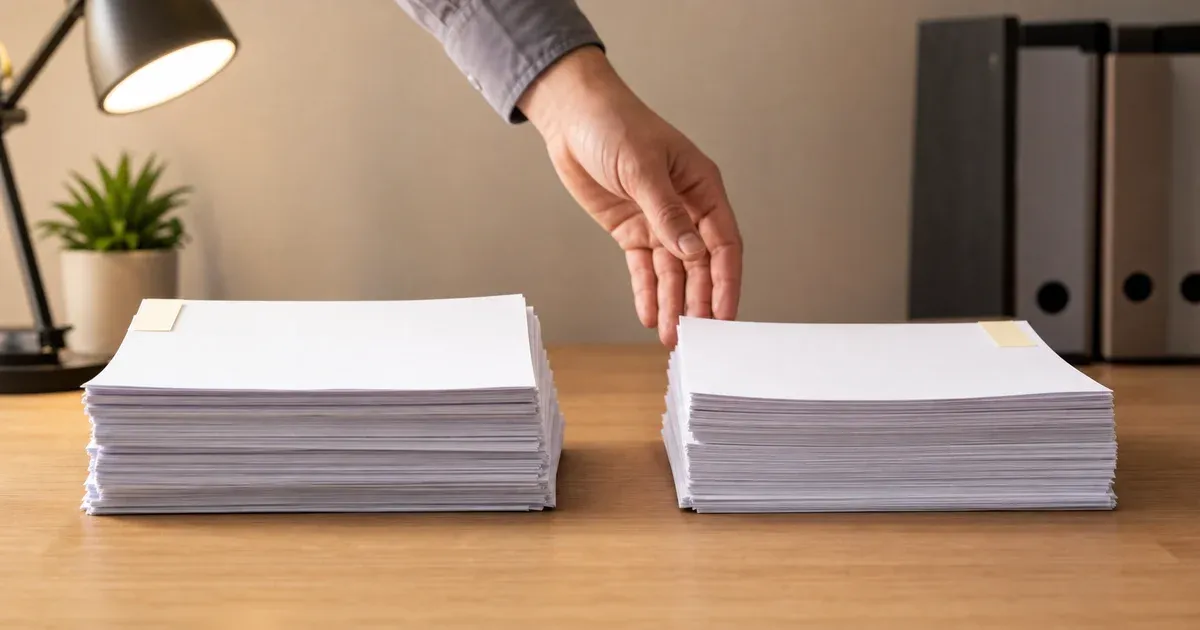
How to Combine Scanned Front and Back Pages Into One PDF
The exact flow for joining a fronts PDF and a backs PDF from a single-sided scanner into one correctly paired document, step by step.
Read more →All articles about organizer: 11 practical guides and tutorials from our free, privacy-first online tools.
The exact flow for joining a fronts PDF and a backs PDF from a single-sided scanner into one correctly paired document, step by step.
Read more →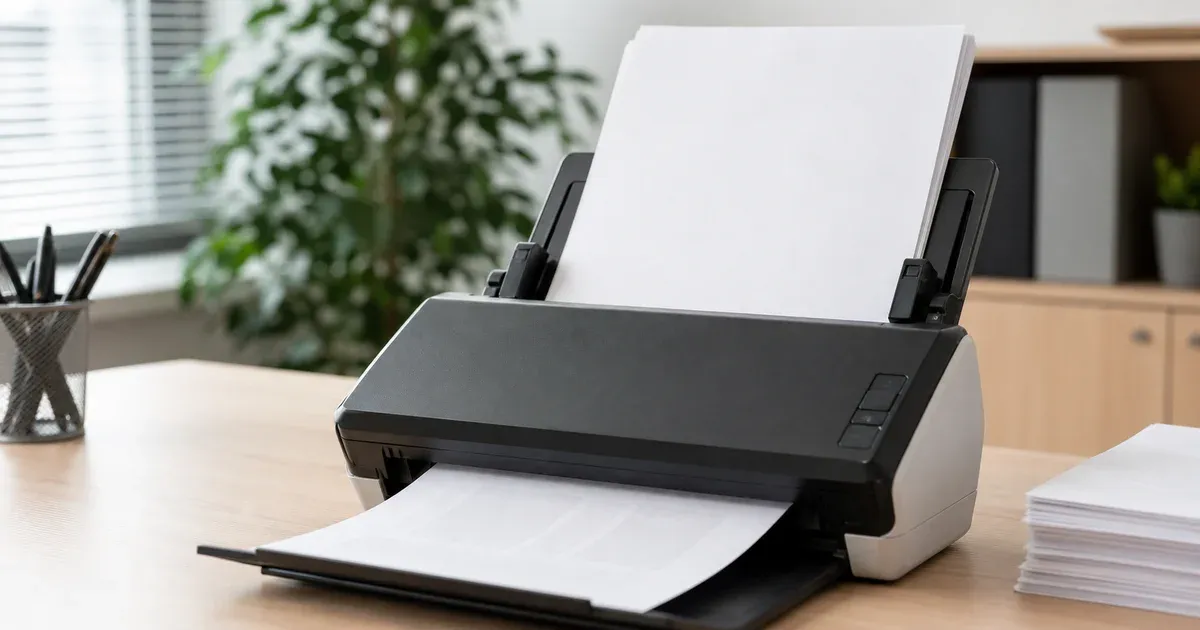
Why single-sided scanners produce backs in reverse order, what the broken page sequence looks like, and how to fix it without rescanning.
Read more →
How the PDF page tree, content streams, and cross-reference tables work — and why reordering, splitting, or combining pages loses nothing.
Read more →
Range syntax for selecting exactly which pages get merged from each PDF, and an honest comparison with the simpler PDF Merge tool.
Read more →
Why PDF rotation is lossless, why viewers sometimes disagree on page orientation, and why rotating a page twice must add up rather than overwrite.
Read more →
Drag, keyboard shortcuts, and per-document ordering: three free ways to reorder PDF pages in a browser, no Acrobat license required.
Read more →
Flip a PDF's pages end to end with one toggle: when a reversed document happens, how the reverse option works, and how it differs from reordering.
Read more →
Per-page versus per-document rotation in a PDF, and why rotating a single sideways scan never touches the content or loses quality.
Read more →
Scan two-sided paper on a simplex ADF using GNOME Document Scanner or the scanimage command line, then combine the two passes into one ordered PDF.
Read more →
Use Image Capture and Printers & Scanners in System Settings to scan two-sided paper on a simplex feeder, then combine the two passes into one PDF.
Read more →
Step-by-step Windows guide to scanning two-sided paper on a simplex ADF using Windows Scan or Windows Fax and Scan, then combining the passes into one PDF.
Read more →