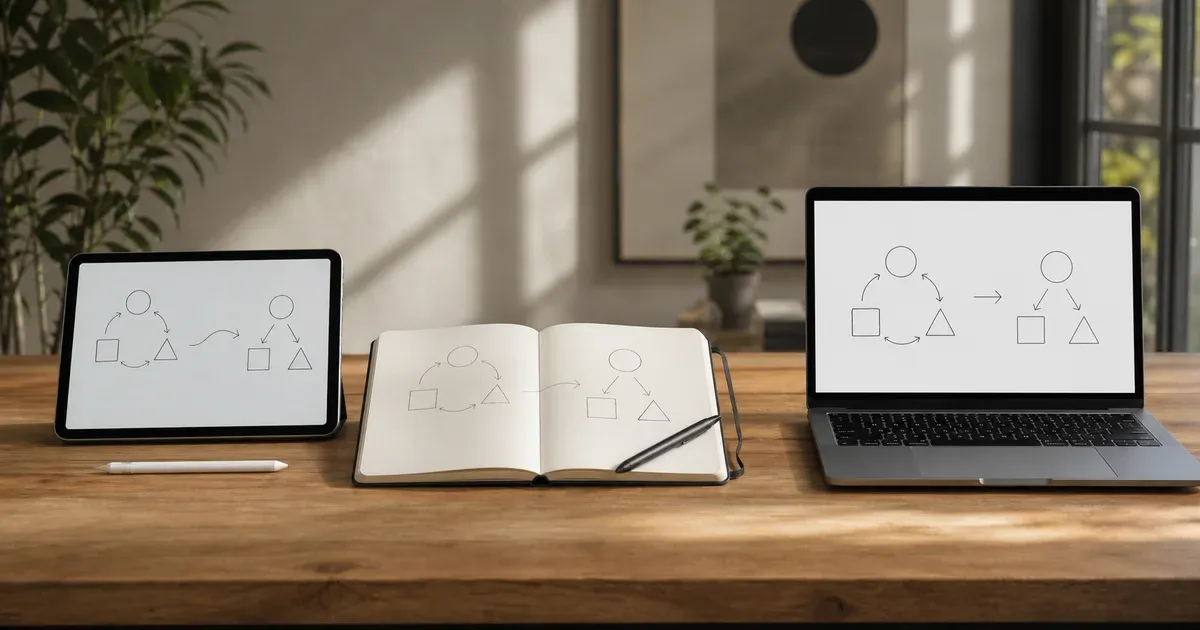
Every time you sit down to work something out — a plan, an argument, a design, a decision — you reach for a surface to think on. For most people that surface is one of three things: a sheet of paper, a slide in presentation software, or a whiteboard. They look interchangeable, but they are not. Each one quietly shapes how you think, how fast you move, and what you can do with the result afterward. Picking the wrong one wastes time; picking the right one makes the thinking feel effortless. This guide compares the three honestly — where each wins, where each fails, and how to choose without overthinking it. If you want to try the digital option as you read, the online whiteboard opens in a browser tab with nothing to install.
Three Tools, Three Personalities
Before comparing them point by point, it helps to understand what each tool is fundamentally good at, because those strengths are hard to fight against.
Paper and sticky notes are the fastest way to get a thought out of your head. There is zero startup cost, no loading screen, no cursor to find. A pen moves as fast as your hand, and sticky notes let you physically rearrange ideas on a wall. Paper is also completely private and never runs out of battery. Its weakness is everything that happens after the ink dries: you cannot edit cleanly, duplicate, resize, or share without photographing it, and it degrades, gets lost, or ends up in a drawer nobody opens again.
Presentation slides — PowerPoint, Keynote, Google Slides — are built for the opposite end of the process: communicating a finished idea to an audience. They give you precise alignment, consistent styling, reusable templates and a polished output that looks credible in a meeting. Their weakness is speed and freedom. Slides force structure early. Every shape is a negotiation with alignment guides, menus and a fixed rectangular frame, which is exactly the wrong friction when ideas are still forming and you do not yet know what you are drawing.
Digital whiteboards sit deliberately between the two. They keep much of paper's speed — you pick up a pen and draw — while adding the things paper cannot do: undo, perfect shapes, movable objects, imported images and one-click export. They are not as instant as a pen already in your hand, and not as polished as a slide built for a boardroom, but they cover the enormous middle ground where most real thinking happens. A good browser-based whiteboard runs entirely on your device, so it also inherits paper's privacy.
How They Compare, Dimension by Dimension
The honest way to choose is to look at the specific qualities that matter for your task. No tool wins on all of them — each trades one strength for another.
Speed to First Mark
Paper wins outright. The moment pen touches paper you are working, with no device to wake and no app to open. A whiteboard is a close second: opening a tab and clicking the pen takes seconds, and a board that autosaves means you often land straight back where you were. Slides are slowest — you open the app, pick a layout, and fight the template before you can draw a single free line. If the goal is to capture a fleeting idea before it escapes, reach for paper or a whiteboard, never slides.
Editability and Rework
This is where paper collapses and the digital tools pull ahead. On paper you cannot move a box, straighten a line, or undo a mistake — you cross out and redraw, and the page gets messy fast. A whiteboard keeps every shape as a living object: select it, move it, recolor it, re-point an arrow, or undo the last ten actions. Slides are editable too, arguably the most precise of the three, but the editing is slower and more modal. For anything you expect to revise heavily, the digital tools win and paper loses badly.
Collaboration
Here the answer depends on what "collaboration" means. For people in the same room, paper and a physical whiteboard are wonderful — everyone points, grabs a marker, and moves sticky notes together. For people who are not in the same room, paper is nearly useless and slides are clumsy to co-edit live. A digital whiteboard shared over a screen lets a remote group watch ideas take shape in real time, and because it exports to portable files, the output travels to people who were never in the session. Note one honest caveat: a purely local, privacy-first whiteboard is single-author by design — it is superb for solo thinking and for screen-shared walkthroughs, but it is not a multi-cursor real-time editor, so match it to that use.
Shareability
Paper can only be shared as a photograph — good enough for a quick "here's my sketch," useless for anything that needs to be edited or looks professional. Slides share beautifully; that is their entire purpose. A whiteboard lands in between but closer to slides: export a PNG to drop into a chat, an SVG for a crisp scalable diagram, or a PDF for a printable handout. If the result must be forwarded, embedded or reused, the digital tools clearly beat paper.
Permanence and Retrieval
Paper is fragile. It fades, tears, gets coffee spilled on it, and above all becomes impossible to find three weeks later. Slides and whiteboard files are digital, so they can be named, filed, searched and backed up — the thinking survives and can be retrieved. A whiteboard that saves an editable scene file is the strongest here: reopen it and every shape is exactly where you left it, ready to keep evolving rather than frozen like a slide.
Precision and Polish
Slides win on polish, full stop. If the deliverable is a chart with exact figures, a diagram for formal documentation, or a slide a client will judge you by, dedicated presentation software produces the cleanest, most consistent result. A whiteboard gives you clean auto-shapes and readable diagrams — well above hand-drawn paper — but its charm is a slightly informal, sketch-like look. Paper is the least precise of the three, which is not always a flaw: a rough sketch signals "this is a draft, argue with it."
Privacy
Paper is perfectly private until someone reads over your shoulder — nothing is transmitted anywhere. Cloud slide tools and cloud whiteboards, by contrast, store your work on a server, which may be exactly what you do not want for early product plans, financial sketches or a customer's screenshot. This is where a local-first whiteboard matches paper: because it runs entirely in your browser and never uploads your drawing, sensitive thinking stays on your device. If privacy is non-negotiable, avoid cloud tools and choose paper or a local whiteboard.
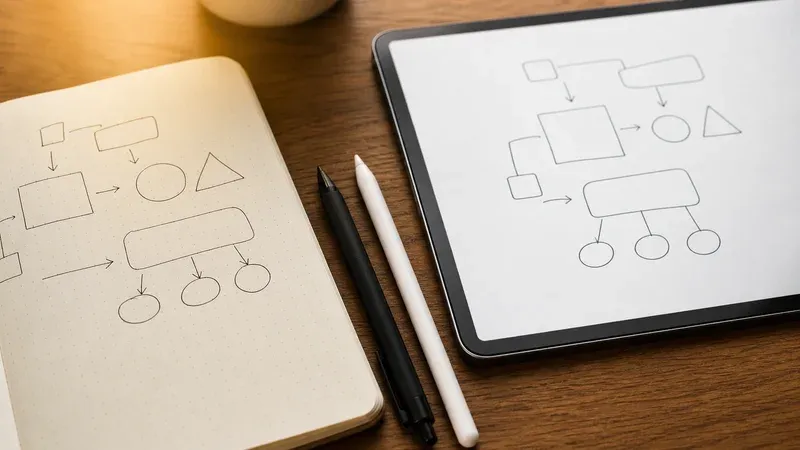
Use Each One When…
Rules of thumb are more useful than a feature list, so here is concrete guidance.
- Use paper when you need to capture a thought this instant, you are away from a screen, the sketch is truly disposable, or you simply think better with a pen in hand. Paper is also ideal for a small in-person group clustering sticky notes on a wall.
- Use slides when the idea is already decided and the job is to present it — a polished deck for a client, a formal diagram for documentation, or a chart with exact data that has to look authoritative. Slides are for communicating conclusions, not for finding them.
- Use a whiteboard when you are in the messy middle: exploring options, sketching a structure you will revise, explaining an idea over a screen share, mapping a flowchart, or annotating a screenshot. It is the right home for thinking that needs to move fast now but be kept, shared or refined later.
A great deal of real work flows naturally across all three. You might scribble the first spark on paper, develop and rearrange it on a whiteboard, then rebuild the settled version as slides for the meeting. Treating the tools as stages of one pipeline — capture, develop, present — is far more productive than forcing a single tool to do a job it was never shaped for. If you want to go deeper on how the middle stage works, our guides on visual thinking with diagrams and sketching and using a whiteboard for brainstorming and annotation pick up exactly there.
When NOT to Use a Whiteboard
Because this guide is honest, it has to say plainly where a whiteboard is the wrong choice. Reaching for it out of habit will sometimes slow you down.
- When the output must be pixel-perfect. For a formal chart with exact numbers, a print-ready poster, or a deck a client will scrutinize, use presentation or design software built for precision. A whiteboard's sketchy charm works against you there.
- When you need true multi-author real-time editing. A privacy-first, local whiteboard is single-author. If several remote people must edit the same board simultaneously with live cursors, that is a job for a cloud collaboration platform, and you accept the privacy trade-off that comes with it.
- When paper is simply faster. For a five-second note or a throwaway sketch while you are on a call, opening any app is overkill. Do not over-engineer a thought that a pen would have captured instantly.
- When the data belongs in a structured tool. A budget, a schedule or a dataset wants a spreadsheet, not boxes on a canvas. A whiteboard is for spatial, visual thinking, not for calculations or tables that need to compute.
- When the content is highly sensitive and the tool is cloud-based. If you must use a cloud whiteboard and the material is confidential, reconsider — either switch to a local-first tool that keeps the drawing on your device, or use paper.
Knowing these limits is what keeps a whiteboard fast and useful. A tool you understand the edges of is one you can trust, because you never fight it to do something it was never meant to do.
Why the Digital Whiteboard Earns Its Place
If paper is fastest and slides are most polished, why does the whiteboard keep coming out ahead for so much everyday work? Because most thinking is neither a fleeting note nor a finished presentation — it lives in the long middle, where you need to move quickly and keep, revise and share what you made. Paper cannot revise or share; slides cannot move quickly. The whiteboard covers that middle better than either, and a browser-based, local-first one adds two more quiet advantages: it needs nothing installed and no account, and it keeps your work private on your own device. Those are exactly the frictions that stop people from starting. Remove them, and the tool disappears into the task. Our overview of how infinite-canvas whiteboards work and the case for a free whiteboard with no sign-up go further into why that low friction matters so much.
Choosing Without Overthinking
You do not need a decision framework taped to your monitor. Ask one question: what stage am I in? If you are capturing a spark, grab paper. If you are presenting a conclusion, build slides. For everything in between — the exploring, structuring, explaining and marking-up that fills most working hours — open a whiteboard. The mistake is not owning a favorite; it is forcing one tool to do all three jobs and quietly paying for it in wasted time. Match the tool to the stage and the thinking flows, instead of spending your energy wrestling the surface instead of the problem.
Try It for Yourself
The comparison only means something once you feel the difference. Open the online whiteboard, sketch a rough idea, move a few boxes, undo a mistake, and export a PNG — the whole loop paper cannot do and slides make slow. You will quickly sense which stage of thinking it belongs to, and when to reach for a pen or a deck instead. Nothing you draw ever leaves your browser, so it is a safe place to think out loud.