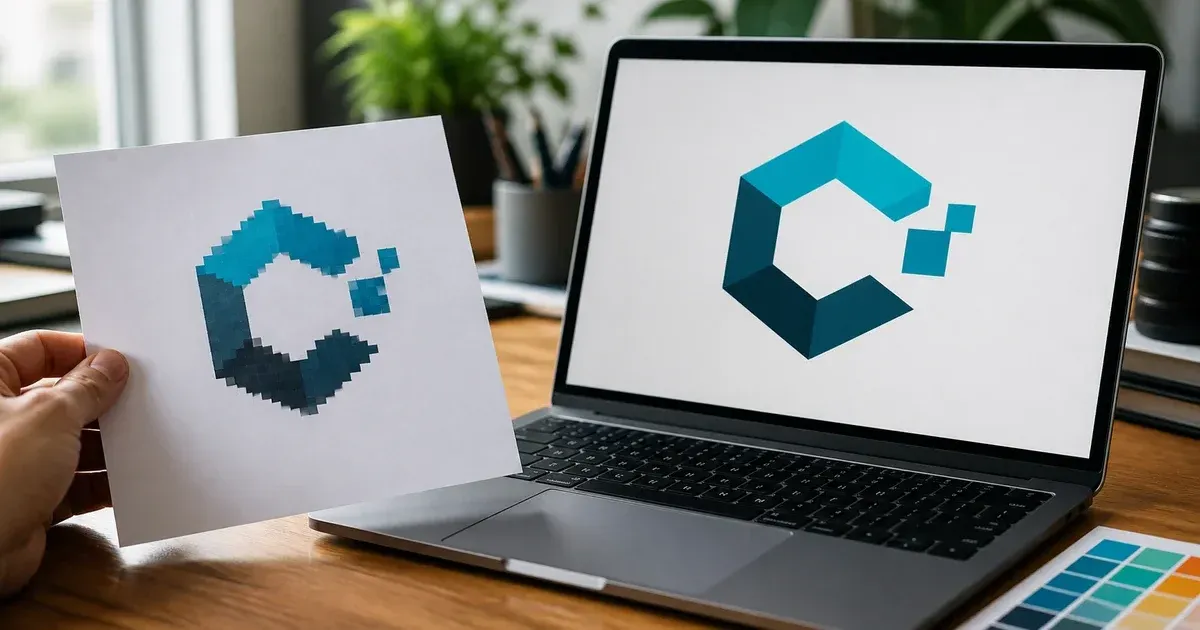
How to Convert a PNG or JPG to SVG Without Losing Your Logo
Convert a PNG or JPG logo to a clean SVG: prepare the source, pick colours and smoothing, drop the background, check paths and size, finish in a vector editor.
Read more →All articles about how-to: 7 practical guides and tutorials from our free, privacy-first online tools.
Convert a PNG or JPG logo to a clean SVG: prepare the source, pick colours and smoothing, drop the background, check paths and size, finish in a vector editor.
Read more →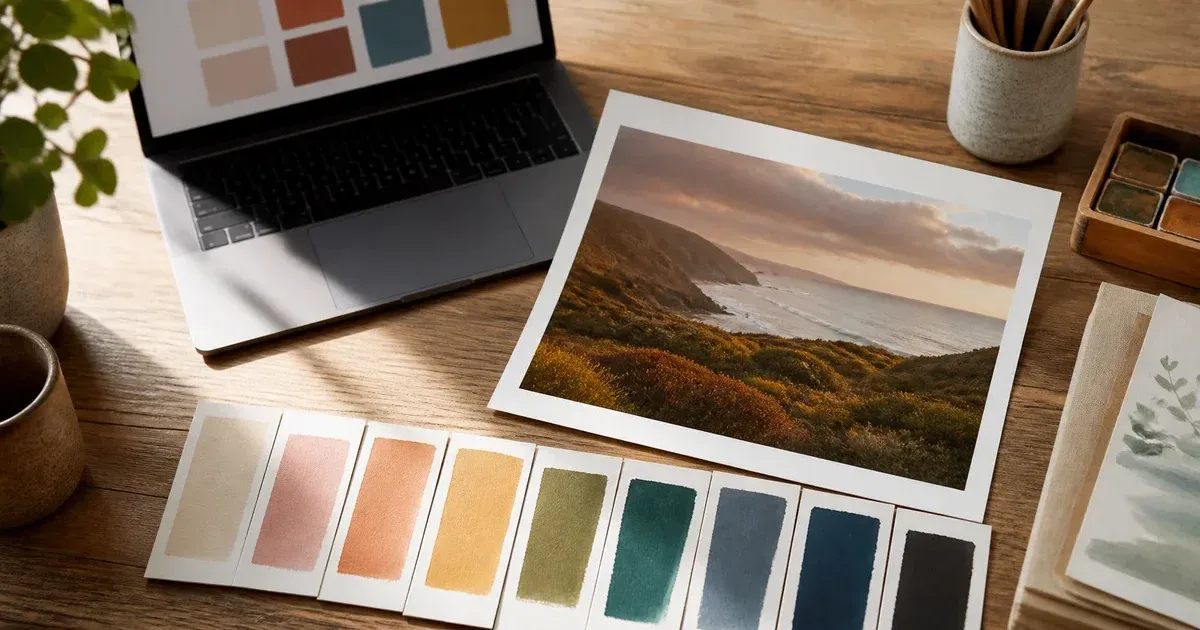
Extract a color palette from a photo the right way: choose the image, see how k-means extraction works, split dominant from accent colors, ship it as CSS.
Read more →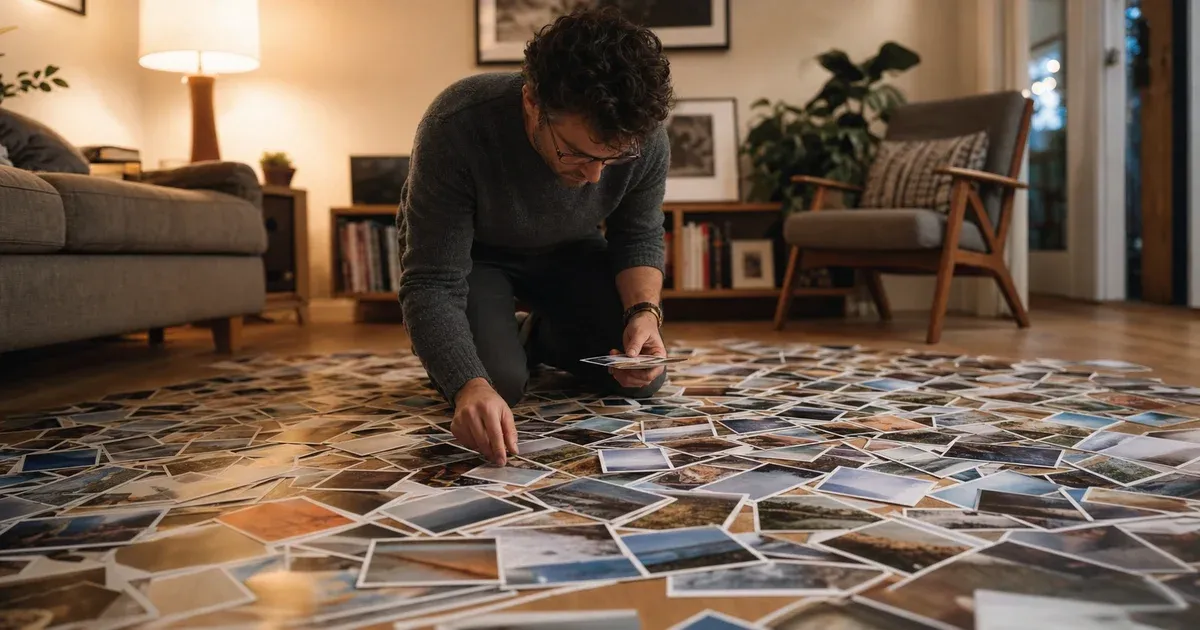
How many photos a mosaic really needs, why 20 photos lean on the tint and 300 lean on the match, and how to set tint, variety and dithering for your library.
Read more →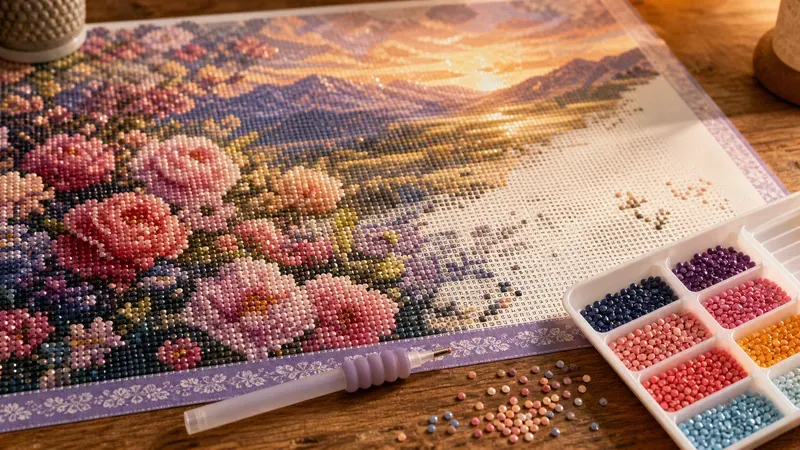
Turn a photo into a custom diamond painting: choose drill size and canvas dimensions, set the number of DMC colors, and read the symbol chart and legend.
Read more →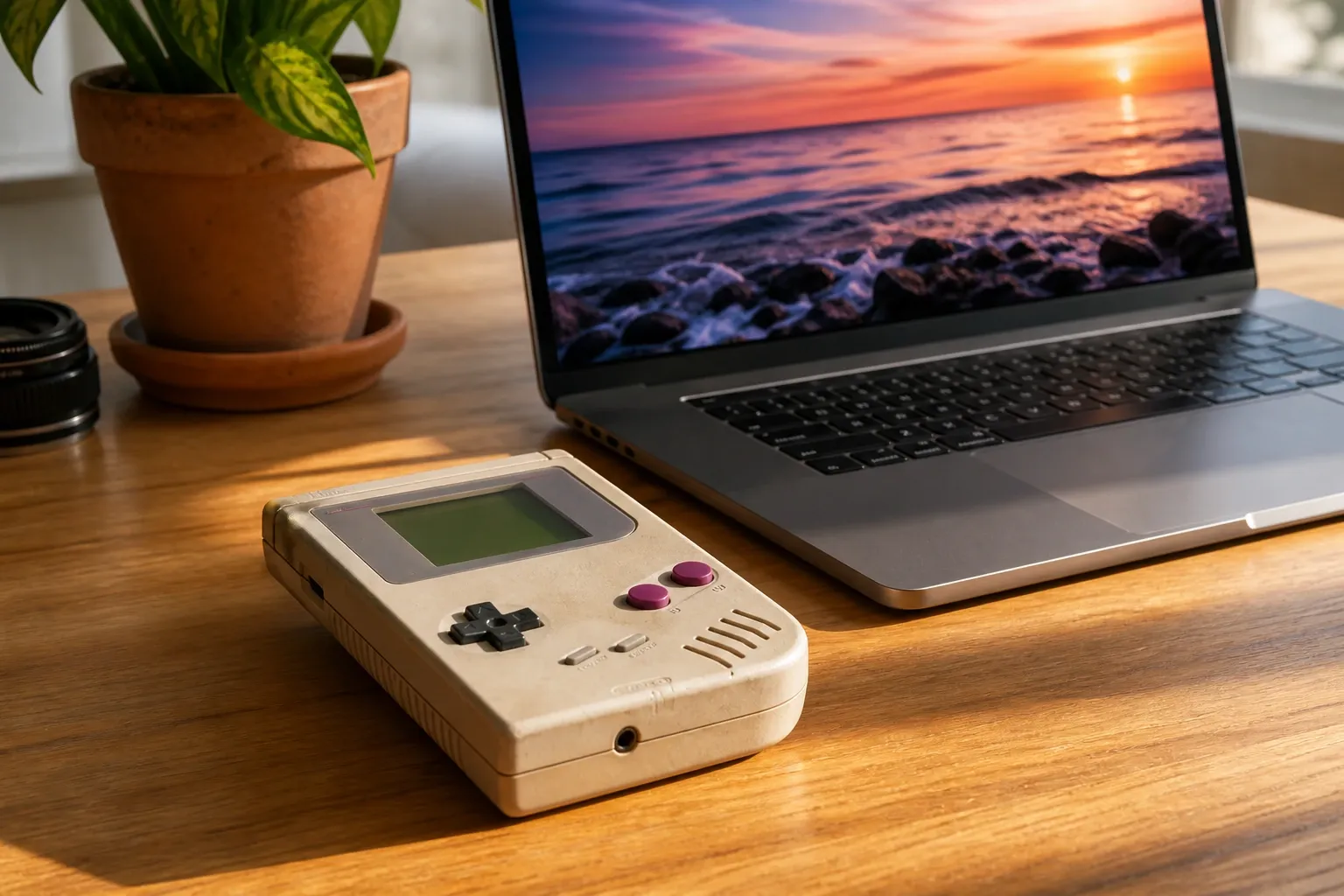
A step-by-step guide to converting any photo into pixel art: choosing a grid size, picking a palette, adding dithering, and exporting a crisp PNG.
Read more →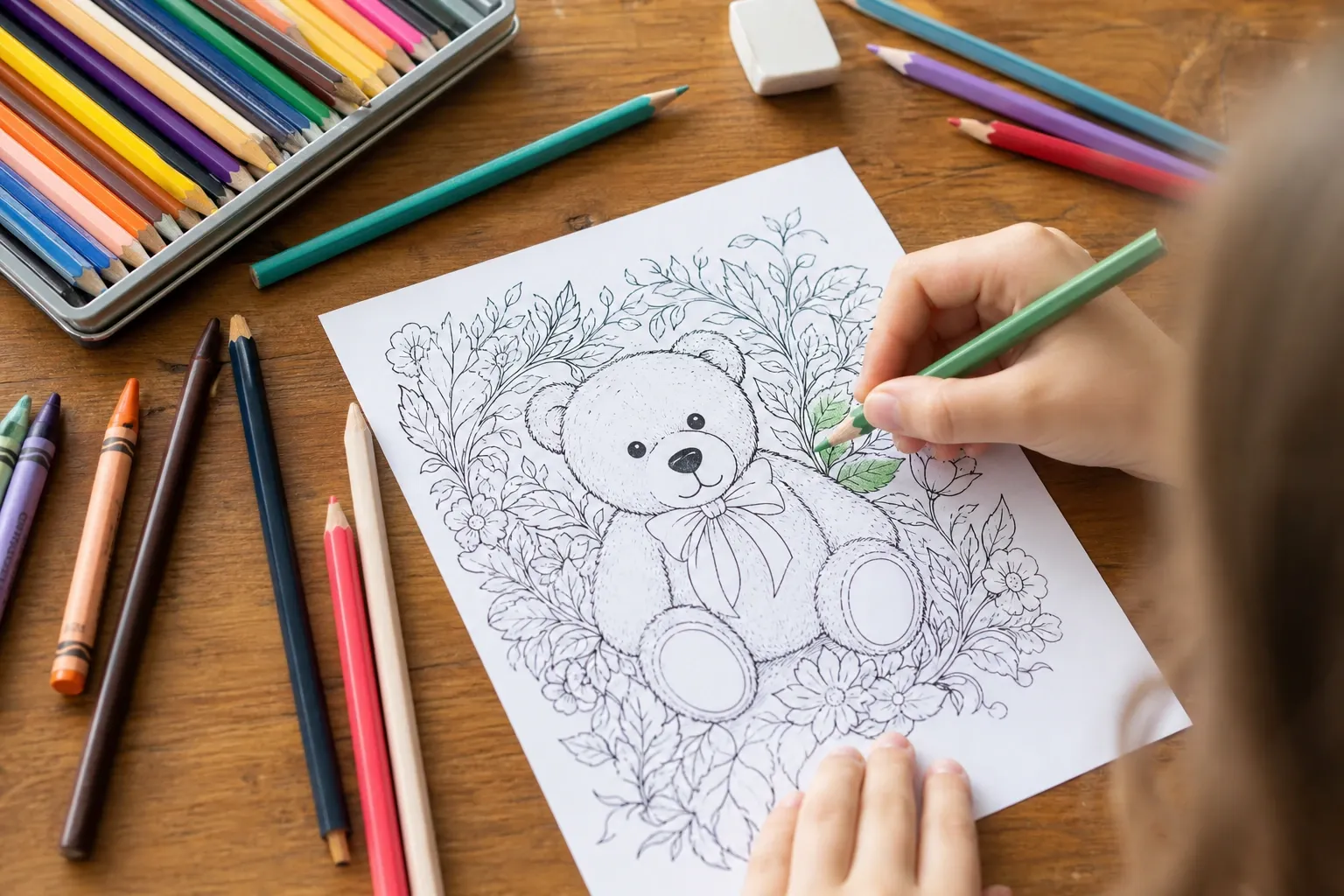
Turn a photo into a printable coloring page: control edge detail, line thickness, and detail level to get clean black outlines on white, ready to print at home.
Read more →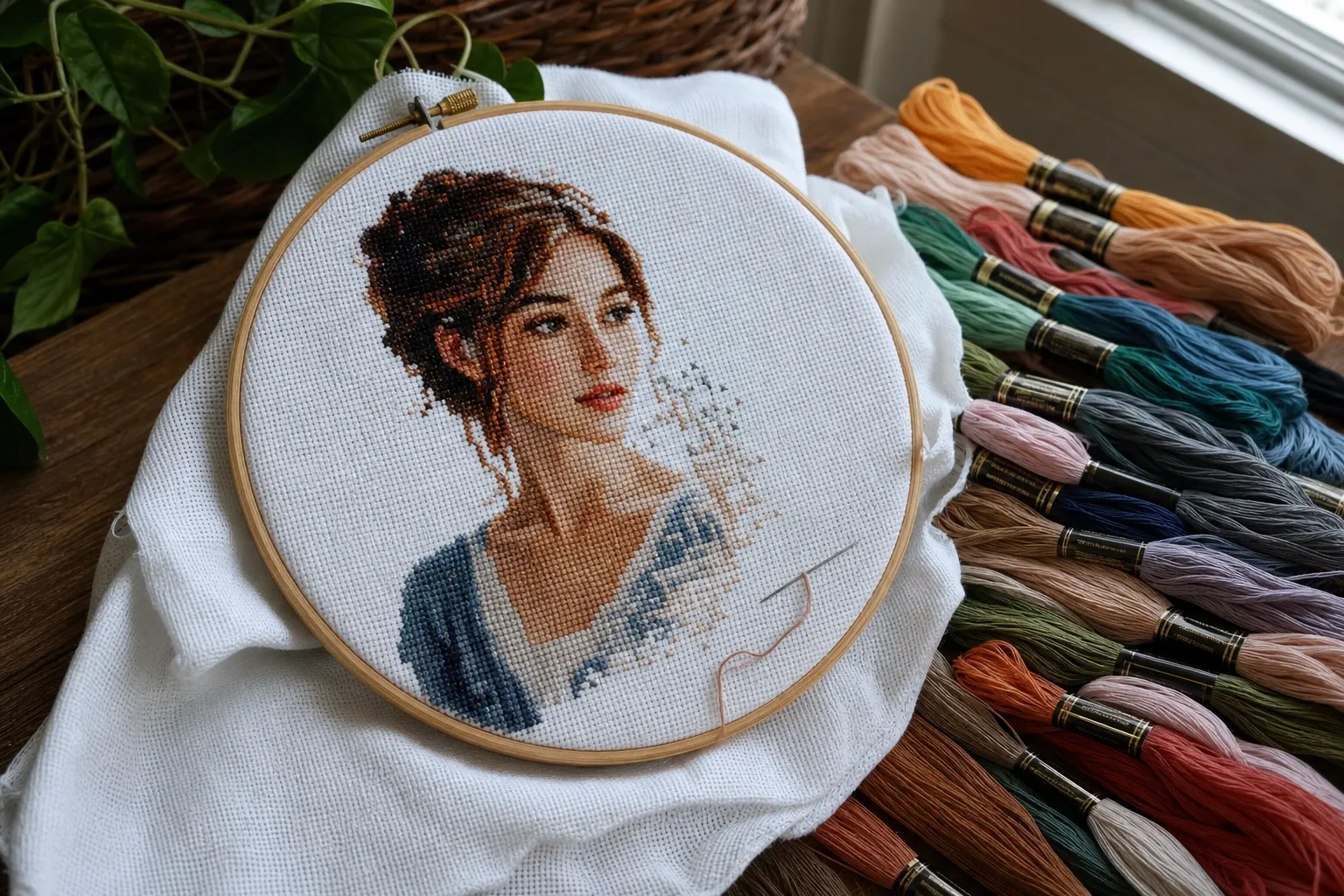
Turn any photo into a cross-stitch chart: choose stitch count and Aida size, pick the number of DMC floss colors, and export a symbol chart with a thread list.
Read more →